The Problem with PDF Tools in 2026
You need to edit a PDF. You Google "free PDF editor" and find 20 tools. Here's what happens:
- Tool #1 — Looks free, but adds a watermark and wants $15/month to remove it
- Tool #2 — Requires an account before you can even try it
- Tool #3 — Lets you edit but limits you to 2 pages on the free plan
- Tool #4 — Wants you to download 500MB of desktop software
- Tool #5 — Works, but the interface is from 2008
Finding genuinely free PDF tools — no watermark, no signup, no software install — shouldn't be this hard.
CrazyDocument is an all-in-one PDF toolkit where every tool is genuinely free.
What Makes a PDF Tool "Genuinely Free"
A truly free PDF tool should have:
- No watermark — Your document comes out clean
- No signup — Use it immediately, no account needed
- No software install — Runs in your browser
- No page limits — Process full documents, not just 2 pages
- No file size limits — Handle real documents, not just samples
- No hidden upsells — The free version is the full version
The Complete Free PDF Toolkit
Organize & Edit
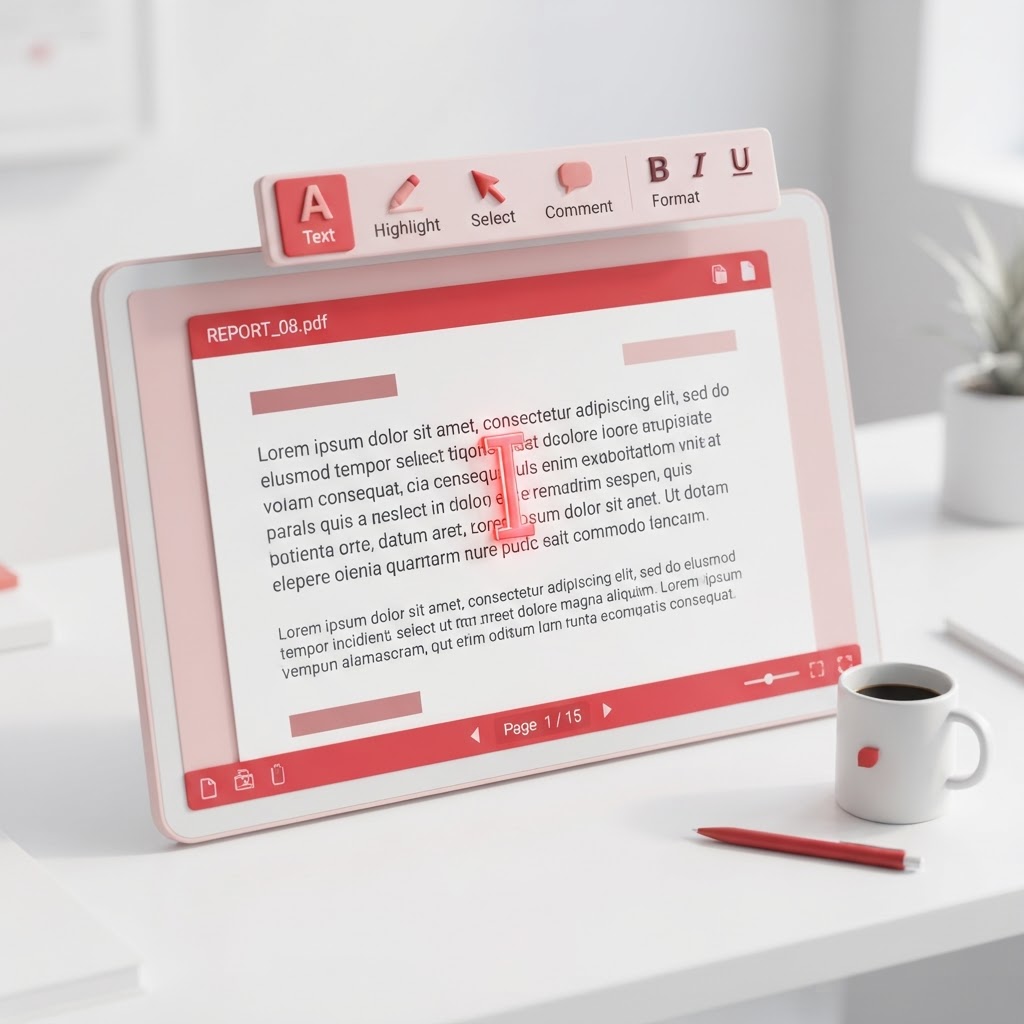
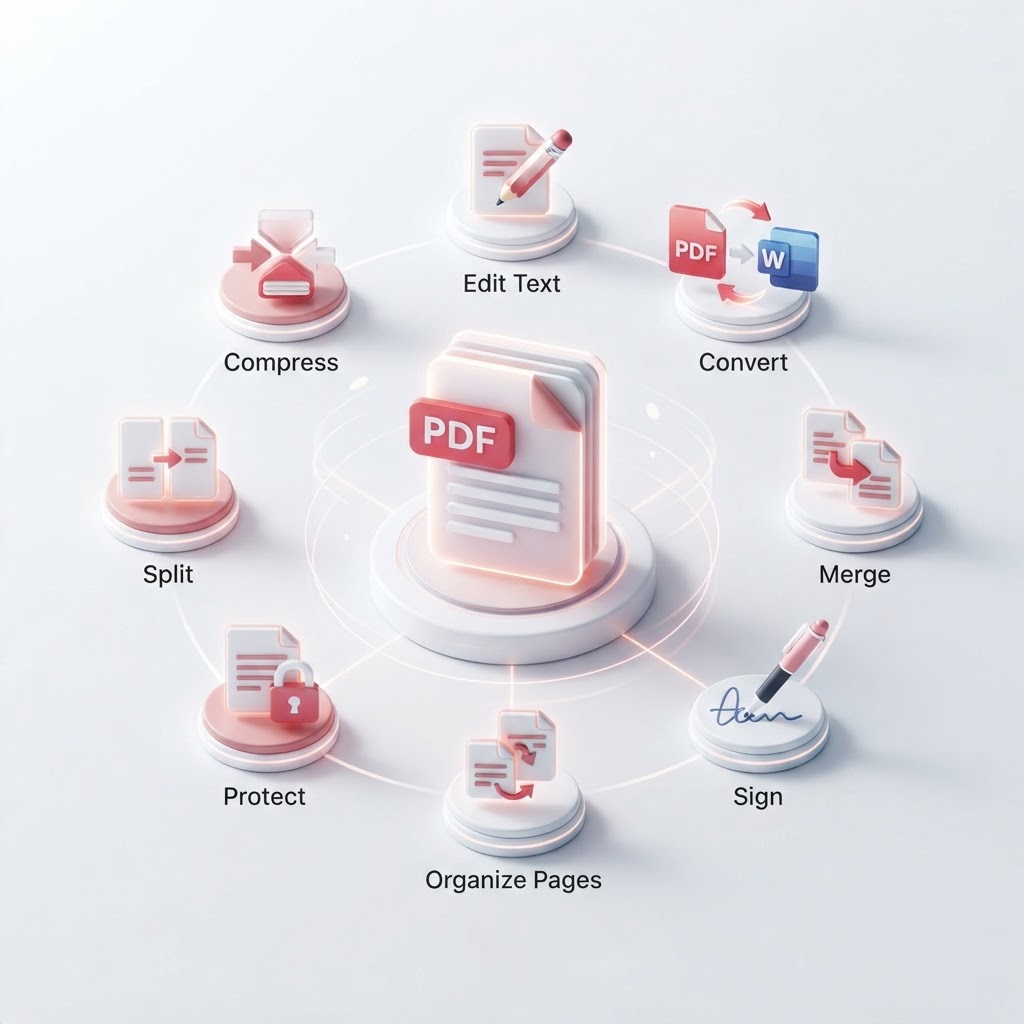
| Tool | What It Does | |------|-------------| | Merge PDF | Combine multiple PDFs into one | | Split PDF | Extract pages or split into individual files | | Rearrange Pages | Drag and drop to reorder pages | | Rotate PDF | Rotate pages and save permanently | | PDF Editor | Add text, images, annotations | | Page Numbers | Add page numbers in any format | | Header & Footer | Add headers and footers |
Convert
| Tool | What It Does | |------|-------------| | Convert PDF | PDF to Word, Excel, PowerPoint, images | | Convert to PDF | Word, images, Excel to PDF | | Compress PDF | Reduce file size without quality loss |
Sign & Secure
| Tool | What It Does | |------|-------------| | Sign PDF | Draw, type, or upload your signature | | Request Signature | Send PDFs for e-signature | | Protect PDF | Password-protect with 256-bit AES | | Fillable Document | Create fillable PDF forms |
Create & AI
| Tool | What It Does | |------|-------------| | OCR Tool | Extract text from scanned PDFs | | Smart Scanner | Scan documents with your phone camera | | Resume Builder | Create professional resumes | | AI Assistant | Chat with your PDFs using AI | | Watermark | Add or remove watermarks |
Why Browser-Based Tools Are Better
No Software to Install
Browser-based tools work instantly — no downloads, no installs, no updates. Open a page and start working.
Works on Every Device
The same tool works on your Windows PC, Mac, Chromebook, iPhone, iPad, and Android phone. No separate apps for each platform.
Always Up to Date
Browser tools update automatically — you always have the latest version without doing anything.
Private by Design
Processing happens in your browser. Your files don't get uploaded to a remote server for processing — they stay on your device.
Free PDF Tools vs. Paid Alternatives
| Feature | CrazyDocument Free | Adobe Acrobat Pro | pdfFiller | Smallpdf | |---------|-------------------|-------------------|----------|----------| | Price | $0 | $19.99/mo | $8–$15/mo | $9/mo | | Watermark | None | None | None | On free | | Signup | No | Yes | Yes | Yes | | Software install | No | Yes | No | No | | Page limit | None | None | Limited | 2 pages | | AI tools | Yes | Yes | No | No |
Start Using Free PDF Tools
Every tool on CrazyDocument is free to use — no account required. Pick a tool above and start working with your PDFs in seconds.
Popular starting points:
- Merge PDF — Combine files
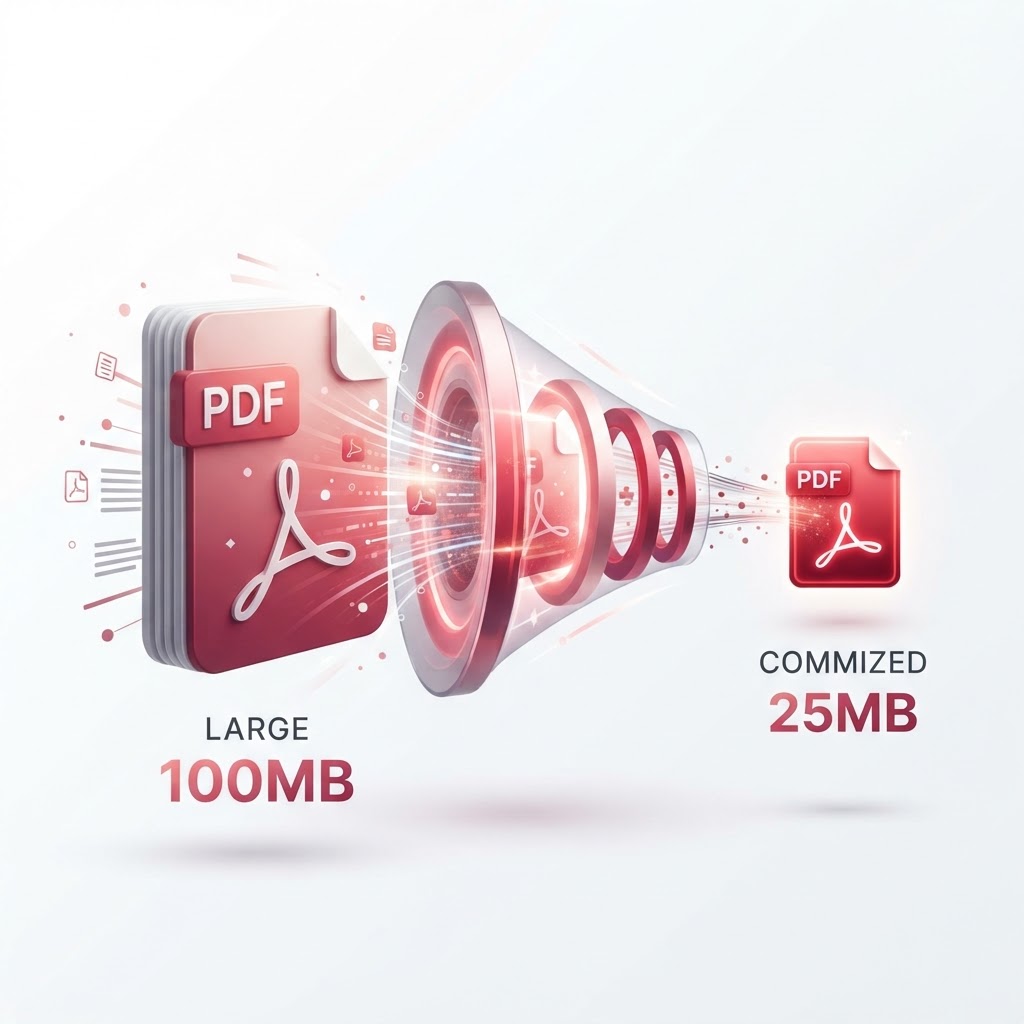
- Compress PDF — Reduce file size
- Sign PDF — Add your signature
- Convert PDF — PDF to Word
- AI Assistant — Chat with your documents