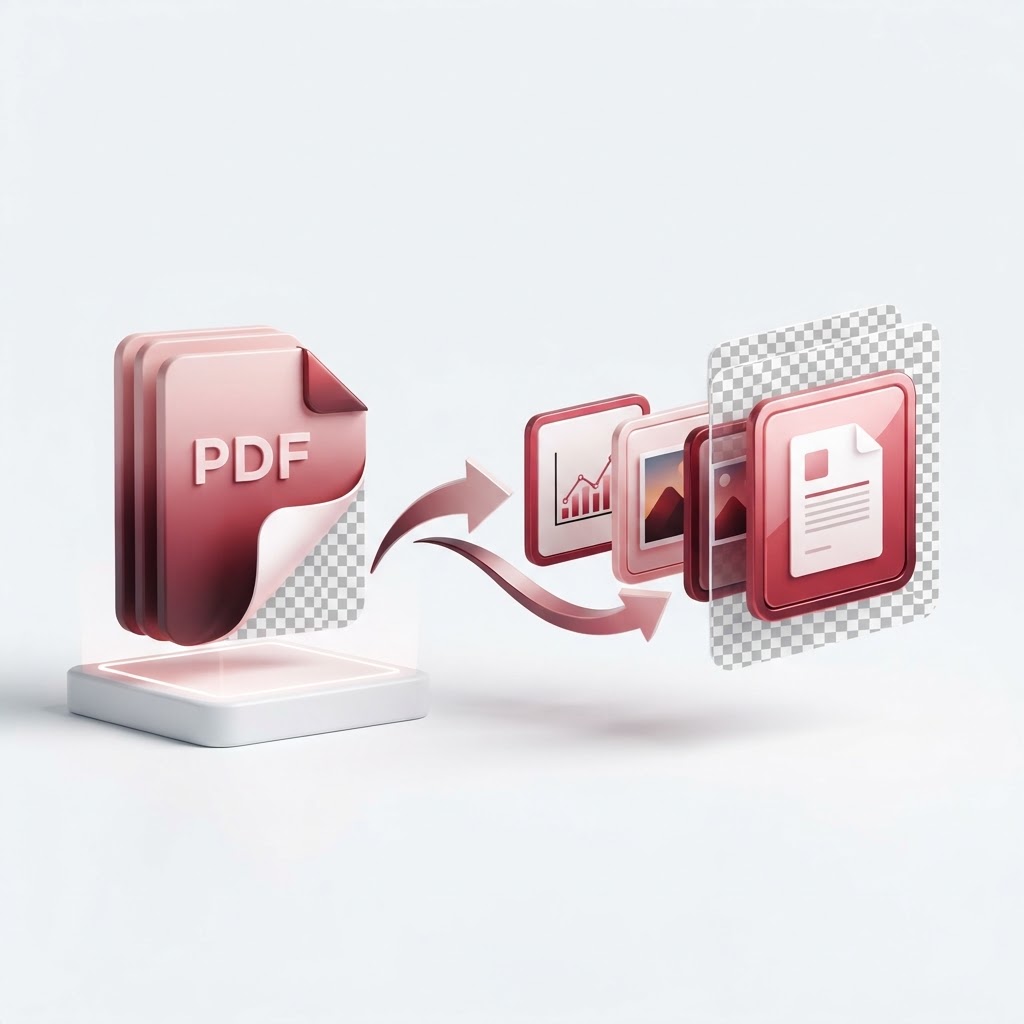
Convert PDF to PNG Free — Transparent, High-Res Output
Need to turn your documents into images? When you need to convert pdf to png files for web use, presentations, or social media, CrazyDocument provides a seamless, high-quality solution. Our advanced conversion tool preserves clarity and ensures your documents look professional in an image format.
Why Convert PDF to PNG?
PDFs are excellent for document sharing, but they aren't always ideal for web display or graphic design. Converting to PNG allows you to:
- Maintain Transparency: PNGs support transparent backgrounds, which is essential for layering graphics.
- Enhance Web Compatibility: Use document excerpts directly on websites without embedding heavy files.
- Improve Visual Editing: Easily import pages into design software without compatibility issues.
How to Convert PDF to PNG with CrazyDocument
Follow these simple steps to get your high-resolution images in seconds:
- Upload: Drag and drop your PDF into the CrazyDocument upload area.
- Process: Click the convert button. Our system handles the heavy lifting.
- Download: Save your high-quality PNG files directly to your device.
Common Use Cases for PDF-to-Image Conversion
Whether you are a professional designer or a student, our tools help you stay productive. If you have a larger file, you may want to Compress PDF first to speed up the process. Once you have converted your images, you might also find it useful to Merge PDF documents or Rotate PDF pages before the conversion to ensure perfect orientation.
| Feature | Benefit | | :--- | :--- | | High Resolution | Maintains crisp text and sharp lines | | Fast Processing | Converts multiple pages simultaneously | | Privacy Focused | Your files are deleted automatically after processing |
Frequently Asked Questions
Is it free to use CrazyDocument?
Yes, our conversion services are completely free. You can convert your files without hidden fees or forced subscriptions.
Will my images lose quality?
Not at all. CrazyDocument uses high-resolution rendering to ensure your images are crisp and professional.
Can I edit the PDF before converting?
Absolutely. Use our PDF Editor to make adjustments, or if you have scanned documents, you can use our OCR tool to extract text before turning your document into an image.
Are my files safe?
Security is our priority. We use secure encryption and ensure that your data is never stored on our servers longer than necessary.
Need More PDF Tools?
Beyond image conversion, CrazyDocument offers a suite of utilities to manage your workflow. You can Split PDF to isolate specific pages, Protect PDF with passwords for sensitive information, or even use our Smart Scanner to create new documents on the go.
Start Now
Ready to get started? Transform your documents today with the best free converter online. Click here to Convert PDF to PNG and experience the speed of CrazyDocument.