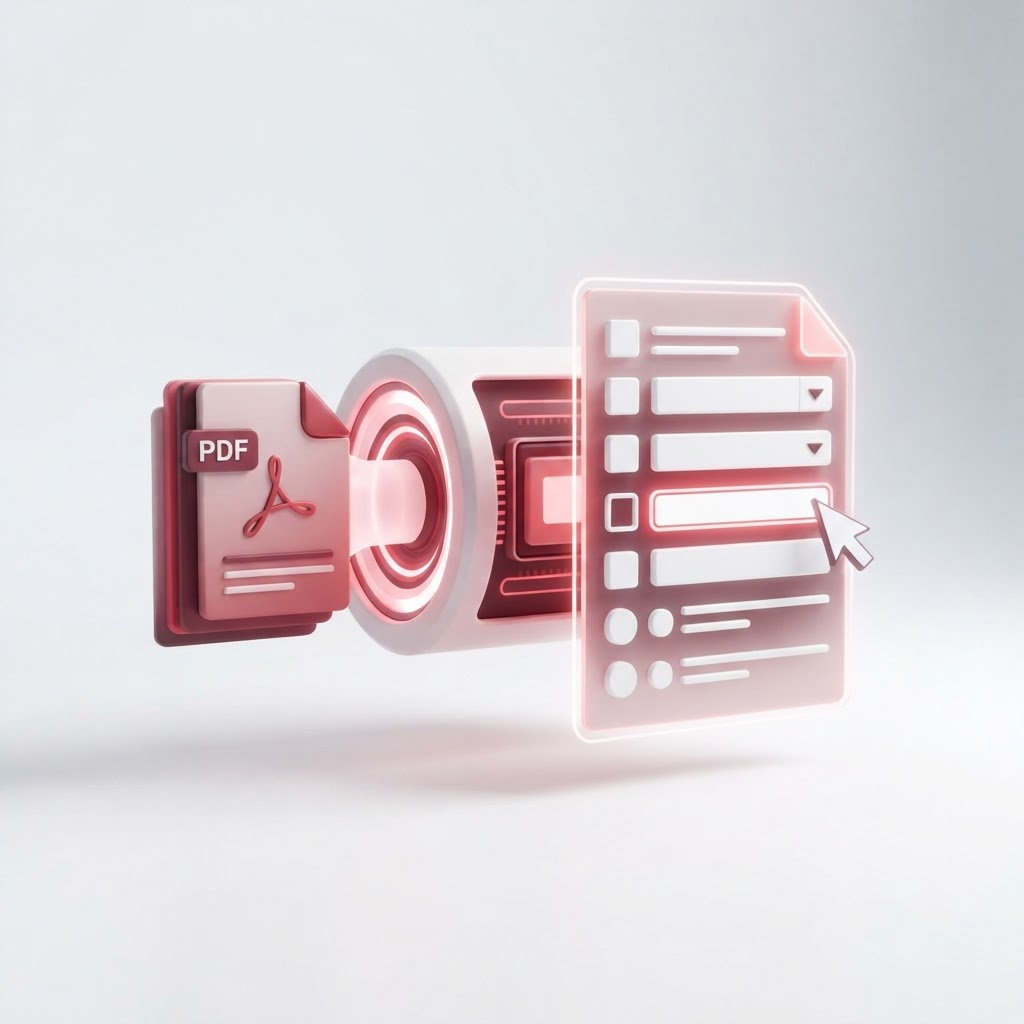
Convert Any PDF to a Fillable Form Automatically
In today's digital workflow, static documents are becoming a thing of the past. Whether you are dealing with contracts, registration papers, or survey sheets, you need a quick way to convert pdf to fillable form layouts so that your users or clients can input information without needing specialized software. CrazyDocument simplifies this complex process, allowing you to transform flat files into interactive digital assets in seconds.
Why Use Fillable PDFs?
Moving from physical paper or non-editable PDFs to interactive forms saves time and minimizes errors. When you use CrazyDocument to digitize your documents, you benefit from:
- Accuracy: No more deciphering messy handwriting.
- Efficiency: Automated data collection helps you organize information faster.
- Professionalism: Provide a seamless, modern experience for your clients.
How to Convert Your Static PDF into a Fillable Form
Converting a static document doesn't require a design degree. Follow these steps on CrazyDocument to get started:
- Navigate to our Create fillable PDF forms tool.
- Upload your existing document from your device or cloud storage.
- Use our intuitive editor to drag and drop text fields, checkboxes, and date pickers.
- Save your file and share it with others.
Advanced Document Management Tips
Once your form is ready, you might need to perform other administrative tasks. CrazyDocument offers a full suite of tools to manage your files efficiently:
| Task | Recommended Tool | | :--- | :--- | | Combine multiple forms | Merge PDF files | | Extract specific pages | Split PDF | | Add security | Protect PDF | | Edit existing text | PDF Editor |
Frequently Asked Questions
Can I turn any PDF into a form?
Yes. Whether it is a scanned document or a digital export, you can add interactive fields on top of the existing layout using CrazyDocument.
Is it secure to upload my documents?
Absolutely. CrazyDocument uses industry-standard encryption to ensure your sensitive data remains private and protected at all times.
Do I need to pay for this service?
CrazyDocument provides high-quality tools for free. Our goal is to make document management accessible for everyone.
Can I sign the form after filling it out?
Yes. Once the form is filled, you can easily use our Sign PDF feature to finalize the document electronically.
Start Now
Ready to modernize your workflow? Don't waste time printing and scanning. Head over to our Create fillable PDF forms tool today and experience the fastest way to turn your documents into interactive, fillable forms.