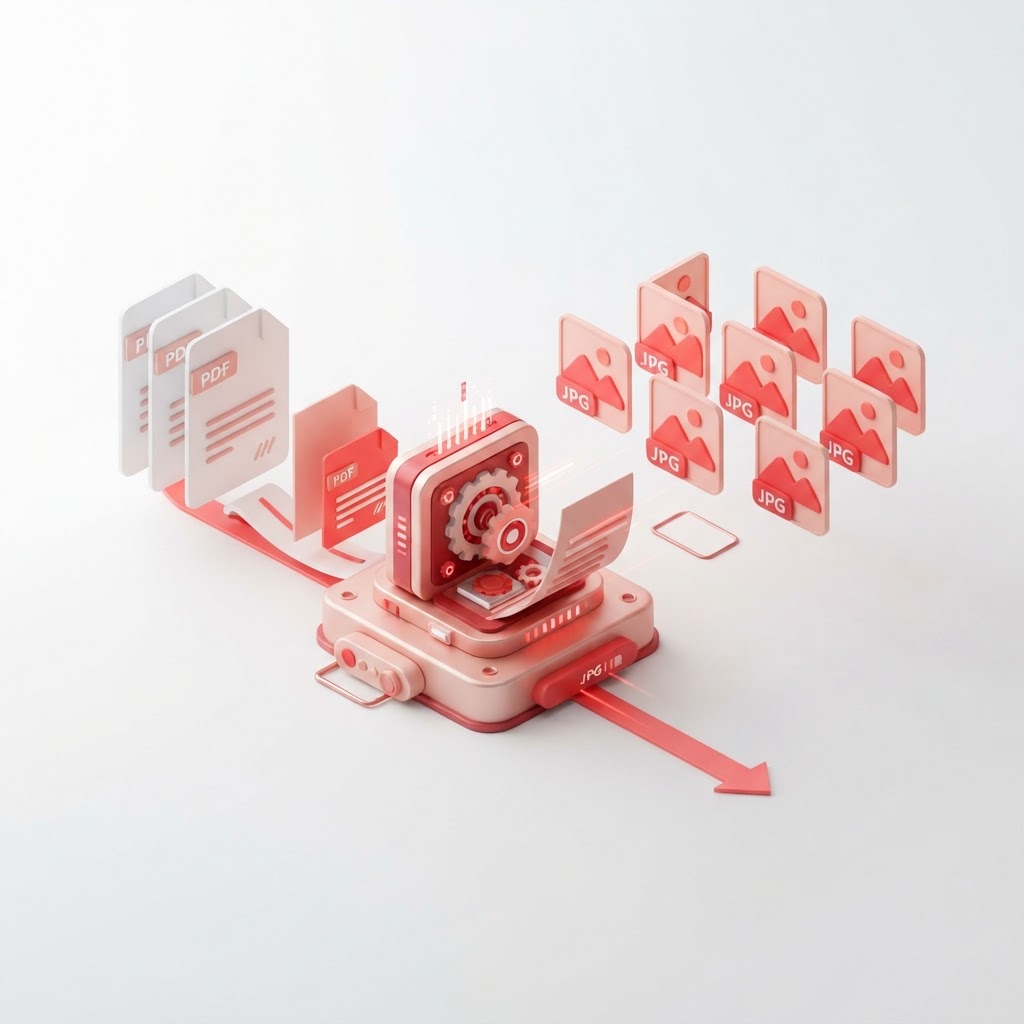
Convert PDF to JPG Free — Turn Pages Into High-Quality Images
Are you looking to extract images from your documents or share document pages on social media? When you need to pdf to jpg conversion, CrazyDocument makes the process seamless, fast, and completely free. Whether you are dealing with a complex report or a single-page flyer, our high-quality converter ensures that every detail is preserved in your new image files.
Why Convert PDF to JPG?
PDF files are excellent for maintaining document formatting, but they aren't always the best format for visual sharing or web display. Converting your files to JPG allows you to:
- Share easily: JPGs are universally supported by all image viewers and social media platforms.
- Maintain quality: Perfect for presentations, blog posts, or digital portfolios.
- Editability: Easily modify specific pages in photo editing software once they are images.
How to Convert PDF to JPG with CrazyDocument
Converting your files is simple. Follow these steps to get high-quality results in seconds:
- Navigate to the CrazyDocument PDF to JPG converter.
- Drag and drop your file into the upload box.
- Choose your desired image quality settings.
- Click the "Convert" button.
- Download your processed images instantly.
Features of Our PDF to JPG Converter
At CrazyDocument, we prioritize speed and security. Our tool is built to process files in the cloud, meaning you don't need to install any heavy software. We ensure your data remains private and is cleared from our servers shortly after processing. If you need to manage your documents further, check out our Merge PDF or Split PDF tools to prepare your files before conversion.
Can I convert multiple pages at once?
Yes! Our system automatically detects every page in your document and provides individual JPG exports for each, saving you significant time.
Frequently Asked Questions
Is it really free to convert PDF to JPG?
Yes, CrazyDocument provides free conversion services for all users without hidden fees or watermarks.
Will the quality drop during conversion?
We use advanced rendering algorithms to ensure that the resolution remains high and true to your original PDF.
Can I use this tool on my mobile device?
Absolutely. CrazyDocument is fully responsive and works perfectly on smartphones and tablets.
Beyond Conversion
Once you have your images, you might need to organize your documents further. Explore the full suite of tools at CrazyDocument:
| Tool | Function | | :--- | :--- | | Compress PDF | Reduce file size for easy emailing | | Rotate PDF | Fix orientation issues | | OCR | Extract text from scanned documents | | Sign PDF | Add your digital signature |
Start Now
Ready to transform your documents? Get started today and experience the fastest way to Convert PDF to JPG for free. Whether you need to rearrange pages with our Rearrange PDF tool or simply want to optimize your files, CrazyDocument is your all-in-one PDF solution.