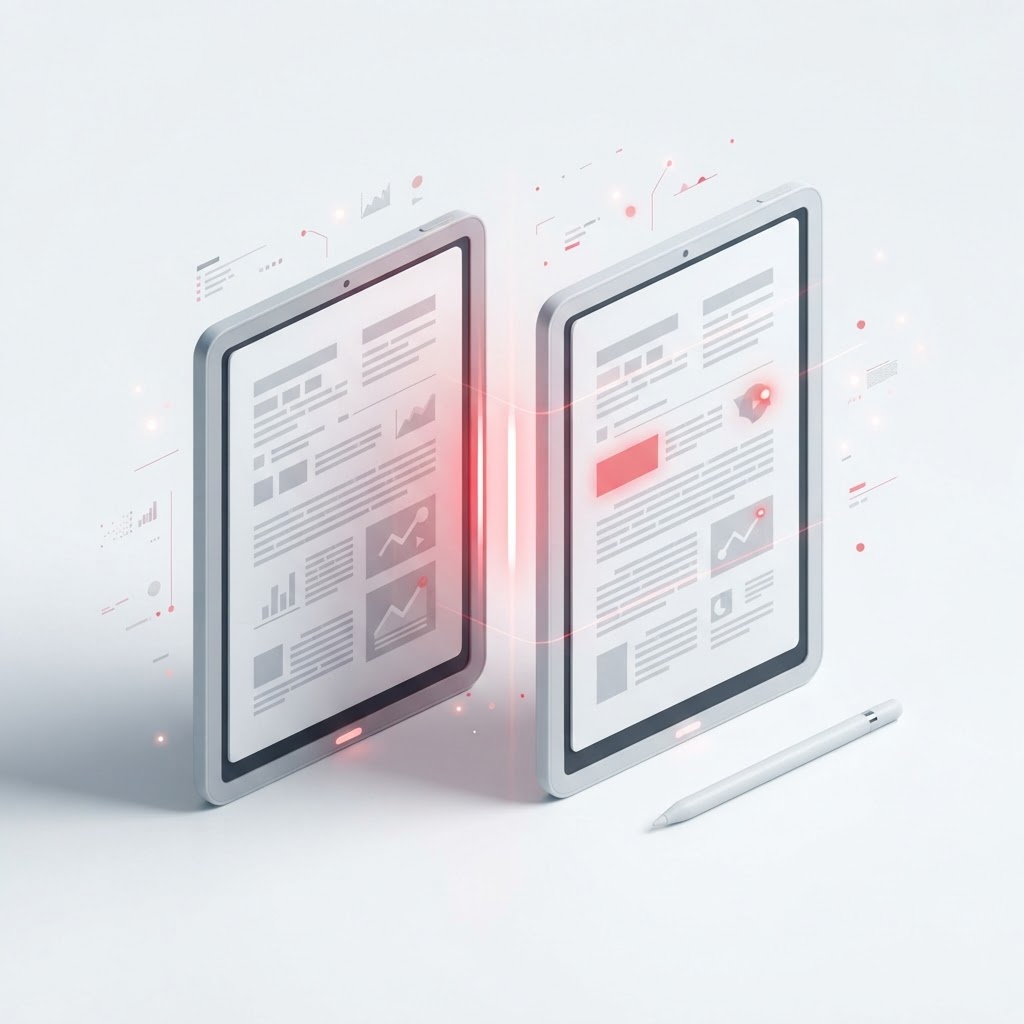
Compare Two PDFs Side by Side — Spot Every Difference
When managing important documentation, keeping track of revisions is essential. Whether you are reviewing a legal contract, checking a manuscript, or verifying data in a financial report, the need to compare two PDFs accurately is a common workflow bottleneck. At CrazyDocument, we provide a streamlined solution to identify discrepancies instantly, saving you from the tedious task of reading pages side by side.
Why Use a PDF Comparison Tool?
Manual inspection is prone to human error. Even a single changed word, a shifted decimal point, or an altered clause can have significant consequences. Using a dedicated digital utility ensures that every character, image, and format change is caught the moment it occurs.
Benefits of Automated Comparison
- Precision: Catch hidden changes that the naked eye might miss.
- Efficiency: Complete your review in seconds rather than hours.
- Confidence: Ensure that your final document is identical to the approved draft.
How to Compare Two PDFs with CrazyDocument
Comparing files should not be complex. Our process is designed to be intuitive for everyone:
- Upload your base document and the revised version to our interface.
- Click the compare button to let our system analyze the structural and text-based differences.
- View the highlighted report showing exactly where changes have been made.
- Download the summary or proceed to edit your document further using our PDF Editor.
People Also Ask: Common Questions About PDF Comparison
Is there a free way to compare two PDFs?
Yes, CrazyDocument offers a high-performance comparison tool that allows you to analyze document differences without expensive subscriptions or complex software installations.
Can I compare scanned documents?
While scanned PDFs are treated as images, our OCR technology can help extract text from these files, making it easier to compare the contents against a native PDF.
Does the tool detect formatting changes?
Our system is designed to identify text modifications, including additions, deletions, and structural shifts. If you need to make deeper layout changes, you can always rearrange PDF pages or merge PDF files after the comparison process.
Frequently Asked Questions
| Question | Answer | | :--- | :--- | | Is my data secure? | We prioritize your privacy and delete processed files automatically. | | Can I compare multi-page files? | Yes, the tool supports multi-page documents for comprehensive reviews. | | Do I need an account? | You can access many of our core utilities without an account. | | Can I edit the files after? | Absolutely; you can move from comparison to our PDF Editor seamlessly. |
Streamline Your Document Workflow
Once you have verified your documents, you might find that you need to perform further actions. CrazyDocument is your one-stop shop for all PDF requirements. If you need to lock your finished document, consider using our Protect PDF feature, or if you need to share a formal version, use our Sign PDF utility to finalize it.
Start Now
Stop wasting time manually scanning through pages. Ready to spot every change with total accuracy? Visit our comparison tool today and experience a faster, more reliable way to manage your files.