How to Countersign a Document Correctly (With Examples)
In the world of business, legal agreements, and formal correspondence, you will often find the need to countersign a document to validate its authenticity. Whether you are dealing with employment contracts, rental agreements, or corporate bylaws, understanding the proper process ensures that your paperwork holds legal weight. If you are struggling to finalize your files, CrazyDocument provides a suite of tools to help you streamline the process, including our Sign PDF utility.
What Does It Mean to Countersign a Document?
To countersign a document is to add a second, authorizing signature to a document that has already been signed by the initial party. This practice is common in situations where a contract or agreement requires validation from an additional person, such as a supervisor, a witness, or a representative from a secondary organization.
By adding a counter-signature, the second party confirms that they have reviewed, understood, and agreed to the terms laid out in the document. This is distinct from a witness signature, which strictly serves to prove that the first signatory actually signed the document.
Why is Countersigning Important?
Countersigning serves as a critical security and verification layer. It prevents unauthorized changes and ensures that both parties are legally bound to the agreement. Without a proper countersignature, some documents might be considered incomplete or unenforceable in a court of law.
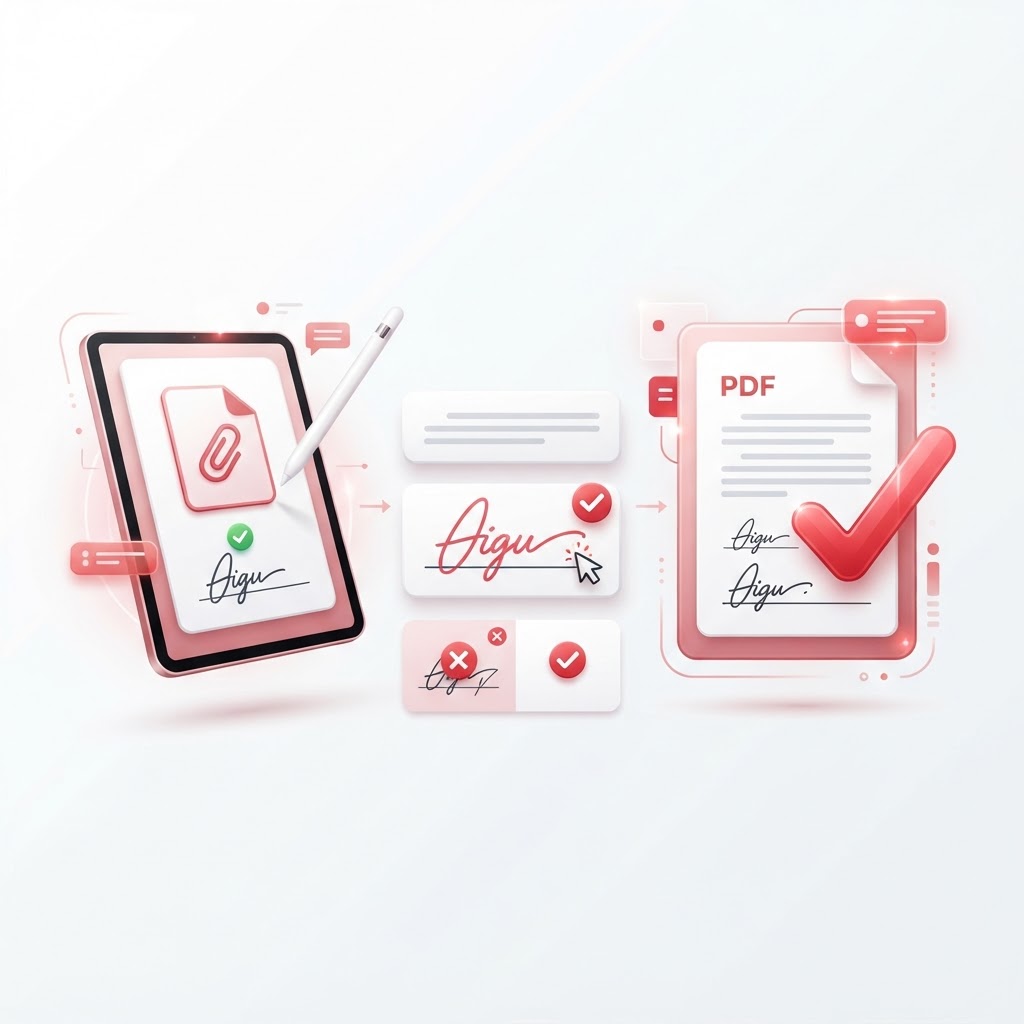
Step-by-Step: How to Countersign a Document Digitally
Transitioning from traditional ink-and-paper to digital workflows is a smart move for efficiency. Here is how you can effectively countersign your documents using CrazyDocument:
- Prepare your file: Ensure your document is in the correct format. If you have multiple sections, use our Merge PDF tool to combine files, or Rearrange PDF pages to ensure order.
- Upload to CrazyDocument: Navigate to our Sign PDF tool.
- Add your signature: Upload the document, select your signature, and place it in the designated field.
- Finalize: Save your document. If you need to restrict editing, use Protect PDF to add password encryption.
Who Should Countersign a Document?
Typically, the person or entity responsible for fulfilling the terms of the agreement should be the one to countersign. Common examples include:
- Corporate Officers: For company contracts.
- HR Managers: For employment offer letters.
- Notaries: To verify the identity of the signers.
- Landlords: To approve a lease signed by a tenant.
Common Challenges in the Countersigning Process
Many users find that physical countersigning is slow and cumbersome. It often involves scanning documents, which can lead to poor image quality. You can use our Smart Scanner to ensure clear copies, or use OCR to extract text if you need to edit the document before it is countersigned.
Frequently Asked Questions
Is a countersignature legally binding?
Yes, when applied correctly to an agreement, a countersignature provides the final authorization necessary to make a contract legally enforceable.
Can I countersign a document that is already password protected?
Yes, but you must first unlock the file. If you have the permission, you can use our Protect PDF tool to manage permissions.
How do I request a countersignature from someone else?
Instead of signing it yourself, use our Request e-signature tool to send the document to the other party and track their progress.
Start Now
Ready to finalize your paperwork? Ensure your agreements are valid and professional today. Visit our Sign PDF page to get started or browse our extensive Forms Library for templates you can use immediately.