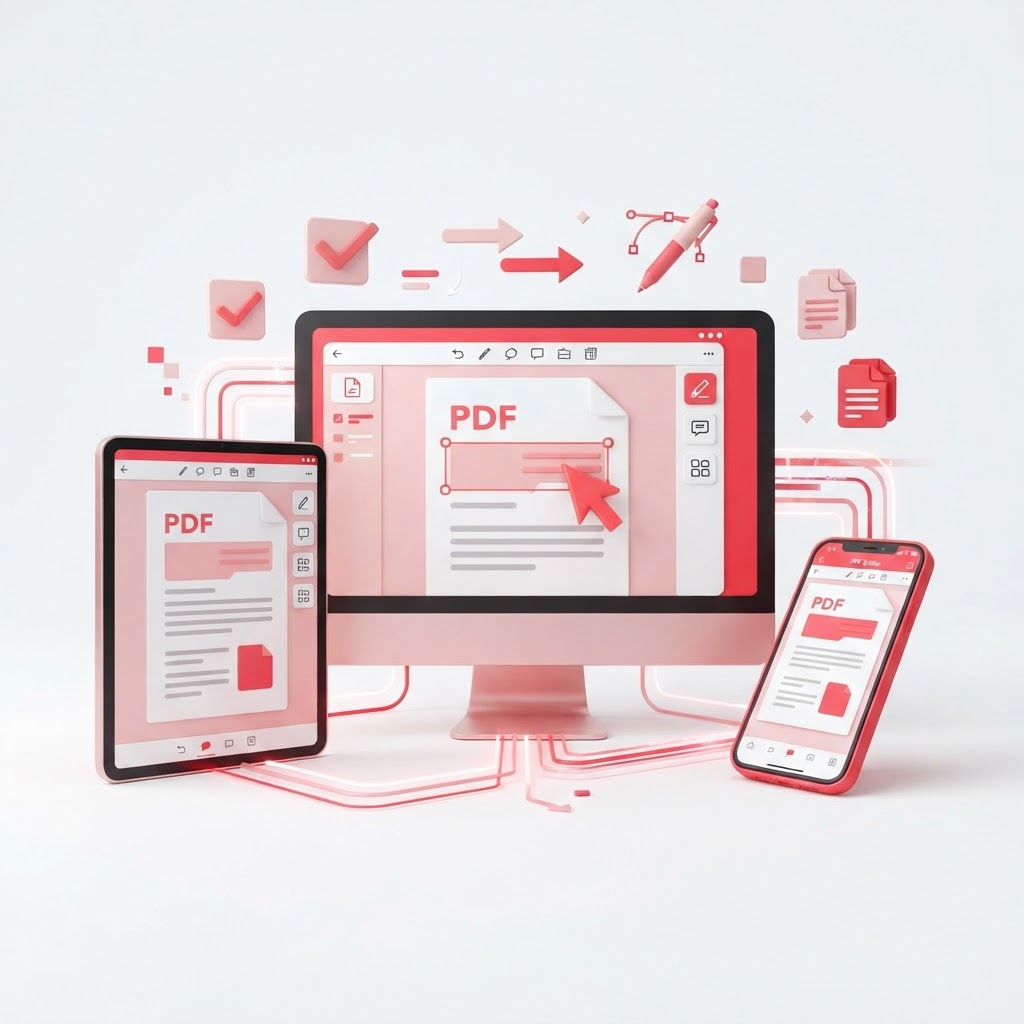
The PDF Editor App That Works on Every Device
Finding a reliable pdf editor app that seamlessly syncs across your smartphone, tablet, and desktop can feel like a daunting task. Whether you are a student managing coursework or a professional handling contracts, you need a solution that is fast, secure, and accessible from anywhere. CrazyDocument provides an all-in-one web-based platform that eliminates the need for bulky software downloads.
Why Use a Cloud-Based PDF Editor App?
Traditional software often requires expensive licenses and massive storage space. CrazyDocument operates entirely in your browser, meaning you get a high-performance experience without the clutter.
Benefits of Choosing CrazyDocument:
- Universal Access: Work on your project from your phone, laptop, or public computer.
- Zero Installation: No plugins or heavy installers required.
- Privacy First: Your data is processed securely and deleted from our servers automatically.
- Comprehensive Toolset: From PDF Editor to Compress PDF, all tools are just one click away.
How to Edit PDFs Online in 3 Simple Steps
Editing your documents should not be complex. Follow these steps to get started with our PDF Editor:
- Upload: Drag and drop your file into the CrazyDocument dashboard.
- Modify: Use our intuitive interface to add text, insert shapes, or highlight important sections.
- Download: Save your updated document back to your device or cloud storage instantly.
Essential Features for Power Users
Beyond basic text editing, CrazyDocument offers advanced functionality to help you manage your digital paperwork efficiently. Need to organize your files? Use our Merge PDF files or Split PDF features to control the structure of your documents. If you have a scanned document, you can use our OCR tool to turn static images into searchable text. For those needing security, our Protect PDF feature ensures your sensitive information stays private.
| Feature | Description | Link | | :--- | :--- | :--- | | Edit Text | Change font, size, and layout | PDF Editor | | Organize | Reorder or delete specific pages | Rearrange PDF pages | | Convert | Turn PDFs into Word or Excel | Convert PDF | | Secure | Add password protection | Protect PDF |
Frequently Asked Questions
Is this PDF editor app free to use?
Yes, CrazyDocument offers a wide range of free tools to ensure everyone can manage their PDFs without cost barriers.
Can I use this on my mobile phone?
Absolutely. Our platform is fully responsive, making it the perfect pdf editor app for users on the go.
Is my data secure?
We prioritize user privacy by employing strong encryption standards. Your files are never shared and are processed in a highly secure environment.
Do I need to create an account?
While you can use most of our tools immediately, creating a free account allows you to track your recent documents and sync your work across devices.
Start Now
Stop struggling with incompatible software and limited mobile tools. Experience the freedom of a truly portable document solution. Click here to launch the PDF Editor and start editing your documents for free today.