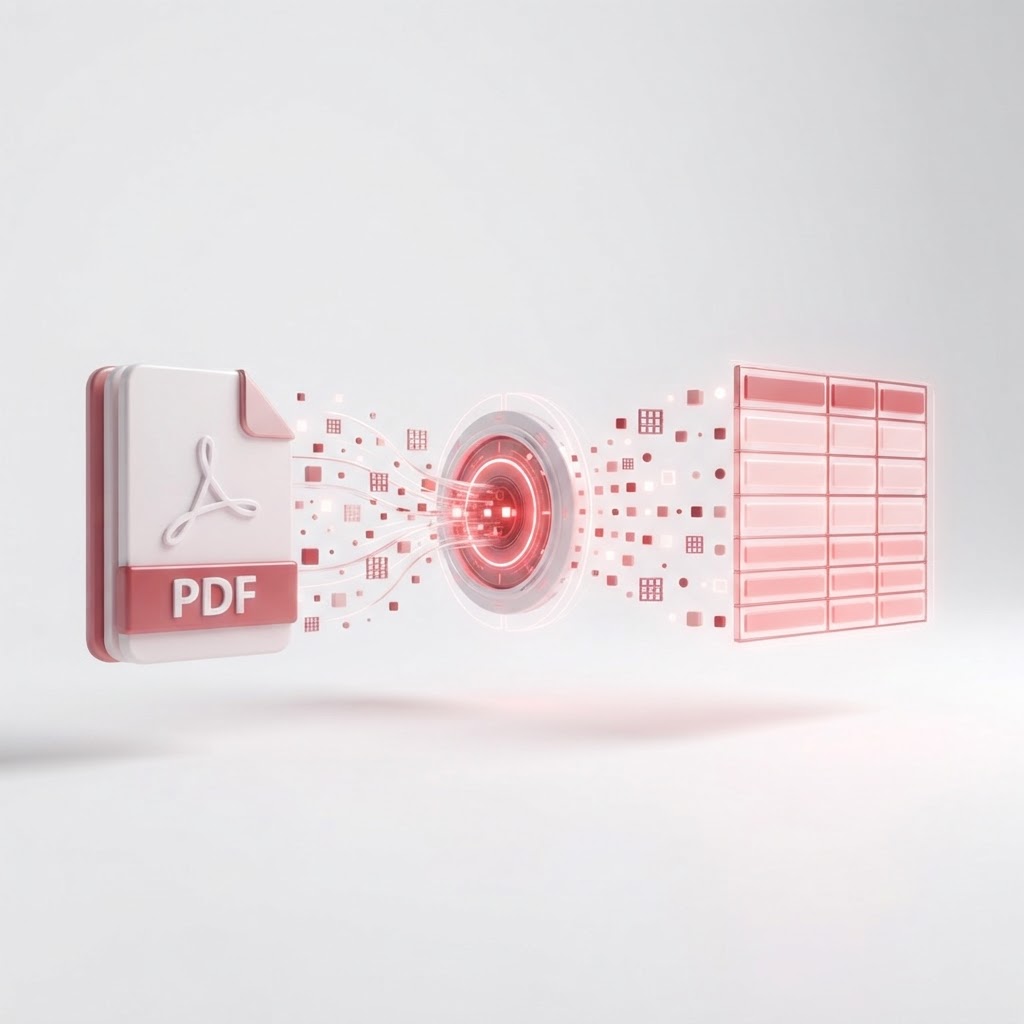
Convert PDF to CSV Free — Pull Data Tables Out of PDFs
Extracting data from static documents can be a nightmare, especially when you need that information in a spreadsheet format. If you are struggling to move rows and columns from a document into a database, using a professional pdf to csv converter is the most efficient solution. CrazyDocument provides a fast, secure, and completely free way to turn your flat files into editable data.
Why Convert PDF to CSV?
PDFs are designed for viewing, not for data manipulation. When you try to copy and paste a table from a PDF, you often end up with misaligned text, broken rows, and wasted time. By using our tool, you ensure that your data is structured correctly, making it ready for analysis in Excel, Google Sheets, or other database management software.
Benefits of Using CrazyDocument
- Accuracy: Maintain the integrity of your data rows and columns.
- Speed: Process large documents in seconds.
- Security: We prioritize user privacy, ensuring your sensitive data is handled securely.
- Cost: It is entirely free to use without hidden subscriptions.
How to Convert PDF to CSV Step-by-Step
Follow these simple steps to get your data extracted:
- Navigate to our tools/convert page.
- Upload your PDF document from your device or cloud storage.
- Select "CSV" as your desired output format.
- Click the "Convert" button.
- Download your clean, structured file instantly.
Need Further Customization?
Sometimes your document requires more than just a format change. You might need to tools/split a large report to isolate a specific table, or use our tools/ocr if you are working with scanned documents that contain images rather than selectable text. You can even tools/merge multiple reports into one file before conversion.
| Feature | Benefit | | :--- | :--- | | Fast Processing | Saves hours of manual data entry | | High Precision | Keeps table formatting intact | | User-Friendly | No technical expertise required |
Frequently Asked Questions
Is it safe to upload files to CrazyDocument?
Yes. We employ industry-standard encryption to ensure your documents are safe during the upload, conversion, and download process.
Can I convert scanned PDFs to CSV?
Absolutely. If your PDF is a scanned image, simply use our tools/ocr functionality to make the text machine-readable before converting it to CSV.
Is this tool really free?
Yes, our core conversion tools are free for all users to help you manage your document workflows efficiently.
What if my PDF has multiple tables?
Our engine is designed to recognize tabular data structure throughout your document. For best results, ensure the PDF contains clear table borders.
Start Now
Stop wasting time on manual data entry. Whether you need to process financial reports, inventory lists, or research data, CrazyDocument is your go-to solution. Start your conversion now by clicking here.