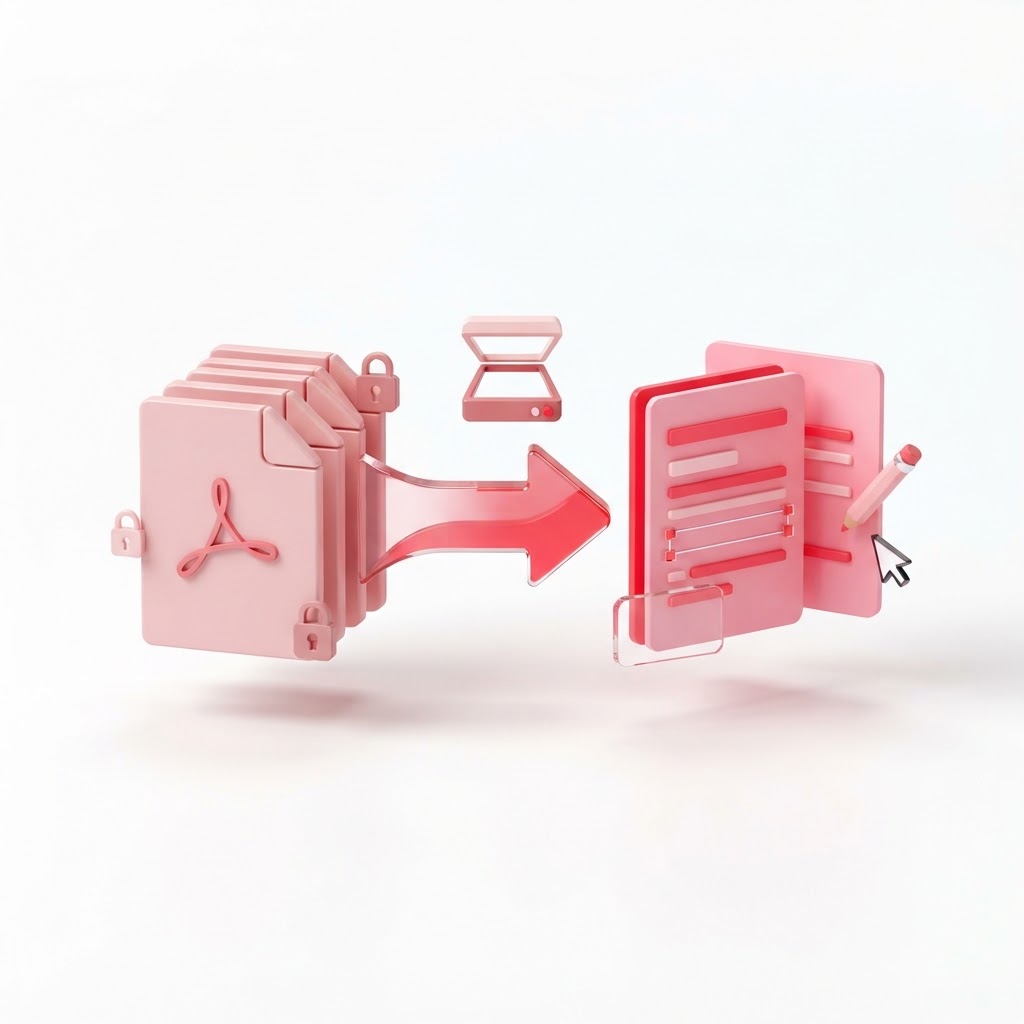
How to Make a PDF Editable — The 2026 Step-by-Step Guide
Are you staring at a document that needs a quick change but you are locked out of the text? Learning how to make a pdf editable is a vital skill in our increasingly digital workspace. Whether you need to fix a typo, update a date, or overhaul an entire document, the process has become incredibly seamless with modern web-based solutions like CrazyDocument.
Why PDFs Are Difficult to Edit
Portable Document Format (PDF) files were originally designed to preserve the layout and fonts of a document regardless of the hardware or software being used. Because of this, they function as a "digital snapshot" rather than a live text file. Unlike a Word document, which is designed for fluid drafting, a PDF locks elements in place. This makes them secure, but it also creates friction when you realize you need to make last-minute edits.
How to Make a PDF Editable: The Quickest Methods
Depending on your document type, there are two primary ways to approach editing:
- Direct Editing: Using an PDF Editor to change text and images directly.
- Conversion: Using Convert PDF to turn the file back into an editable format like DOCX.
Step 1: Using the CrazyDocument PDF Editor
If you need to make minor text changes, the best approach is to use a direct editor. Here is how:
- Visit the PDF Editor page on CrazyDocument.
- Upload your file from your local device or cloud storage.
- Select the text tool to click directly on the area you wish to modify.
- Add new text, change fonts, or update images as needed.
- Save and download your edited file.
Step 2: Extracting Text from Scanned PDFs
If your PDF is actually a flat image (like a scanned contract), you cannot simply type into it. In this case, you must use Optical Character Recognition (OCR). You can use our OCR tool to transform those static images into machine-readable, selectable text.
Comparison of Editing Methods
| Method | Best For | Pros | Cons | | :--- | :--- | :--- | :--- | | Direct Editor | Minor text changes | Keeps layout intact | Limited to minor edits | | Conversion | Major rewrites | Uses familiar software | Formatting might shift | | OCR | Scanned/Physical docs | Digitizes images | Requires clear source |
Common People Also Ask Questions
Can I edit a PDF for free?
Yes. CrazyDocument offers a full suite of professional-grade tools that allow you to edit, merge, split, and even add page numbers without needing a paid subscription or complex software.
What if my PDF is password protected?
If you have the permission, you can use our Protect PDF functionality to manage your security settings. If you do not have the password, you will need to obtain it from the document creator to ensure the document integrity remains intact.
Frequently Asked Questions
Q: Will editing my PDF ruin the original formatting? A: When using the PDF Editor, we work hard to maintain your layout. However, for massive changes, converting to a document format and editing there is often safer.
Q: Can I edit images inside a PDF? A: Yes, our editor allows you to swap images, crop them, or reposition them within the existing document structure.
Q: Is it safe to upload sensitive documents? A: Absolutely. At CrazyDocument, your privacy is our priority. Files are processed securely and deleted from our servers automatically after your session.
Start Now
Stop letting static documents hold back your productivity. Whether you need to fix a typo or overhaul a layout, we have the tools you need. Head over to our PDF Editor and start editing your documents in seconds.