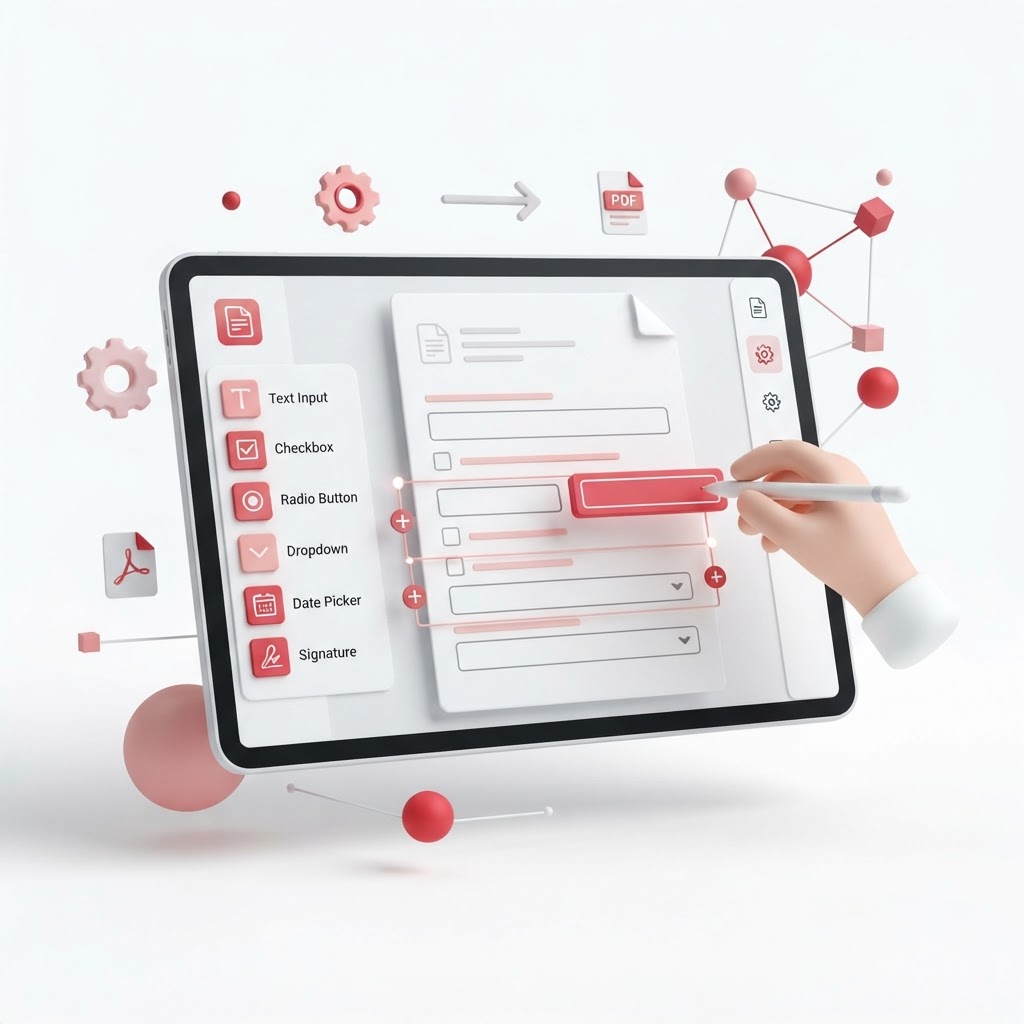
PDF Form Creator: Build Fillable Forms Without Code
In today's digital-first environment, manual paperwork is a major bottleneck. Whether you are managing HR onboarding, collecting client data, or organizing event registrations, a reliable PDF form creator is essential for efficiency. CrazyDocument allows you to transform static documents into interactive, fillable PDFs without needing specialized technical skills or expensive software.
Why Use a Digital PDF Form Creator?
Transitioning to digital forms streamlines data collection and minimizes errors caused by illegible handwriting. With our intuitive interface, you can add fields, checkboxes, and drop-down menus to any document in seconds.
Key Advantages
| Feature | Benefit | | :--- | :--- | | Speed | Create professional forms in under a minute | | Ease of Use | Drag-and-drop interface requiring no coding | | Accessibility | Users can fill out forms from any device | | Data Accuracy | Standardized inputs ensure cleaner data sets |
How to Create Fillable Forms with CrazyDocument
Follow these simple steps to build your custom form:
- Navigate to our Create fillable PDF forms tool.
- Upload your existing document or start from a blank template.
- Use the sidebar to add input fields, text boxes, or signature blocks.
- Save your changes and distribute your form to recipients.
Once completed, you might find you need to Merge PDF files into a single document or Compress PDF file sizes for easier email sharing.
Frequently Asked Questions
Can I make any PDF fillable?
Yes. Using our Create fillable PDF forms tool, you can upload any standard PDF and overlay interactive elements.
Is it free to use CrazyDocument?
Absolutely. We provide a suite of high-quality tools to ensure you can manage your documents effortlessly. Check out our Forms Library for pre-built templates.
Do recipients need an account to fill my form?
No. Recipients can open and complete your forms using any standard PDF viewer or our web-based platform.
Optimize Your Document Workflow
Beyond creating forms, CrazyDocument provides a complete ecosystem for document management. If you receive a form that requires a legal touch, use our Sign PDF tool or Request e-signature if you need a third party to authenticate the document. For legacy documents that are only available in hard copy, use our Smart Scanner to digitize them first.
Start Now
Stop wasting time on manual data entry. Build professional, interactive forms today with the best PDF form creator.