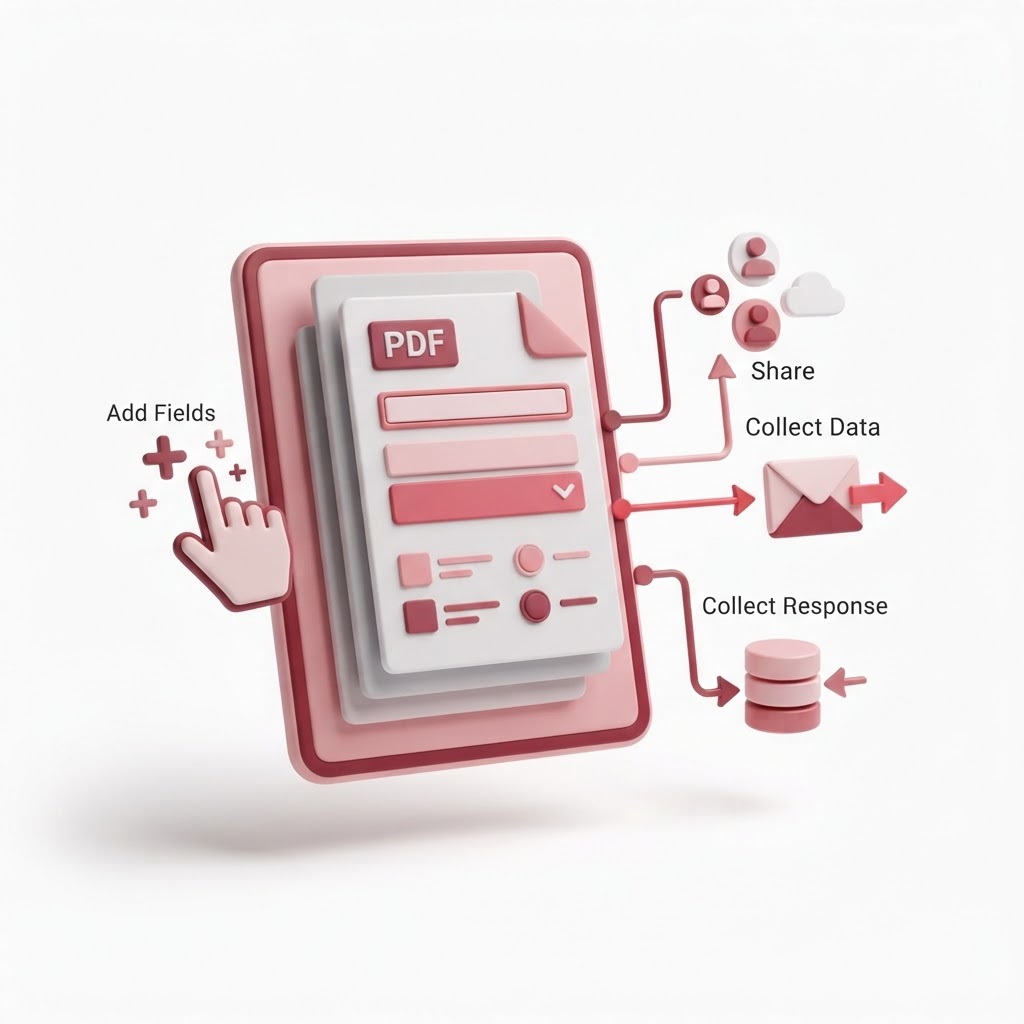
Create a Fillable PDF Free — Add Fields, Share, Collect
In the digital age, manual paperwork is becoming a relic of the past. If you need to distribute forms, surveys, or contracts, learning how to create fillable PDF free of charge is essential for efficiency. At CrazyDocument, we provide a streamlined, user-friendly interface that transforms static documents into interactive forms that anyone can complete on any device.
Why Use Fillable PDFs?
Fillable PDFs are more than just digital versions of paper forms; they are powerful data collection tools. When you convert a static file into an interactive form, you eliminate illegible handwriting, reduce errors, and save time on data entry. Whether you are managing HR onboarding, collecting client data, or organizing event registrations, a fillable PDF streamlines the entire workflow.
How to Create a Fillable PDF Form in Minutes
Creating a professional form doesn't require expensive software. Follow these simple steps using CrazyDocument:
- Upload Your Document: Visit our Create fillable PDF forms page and upload your file.
- Add Fields: Drag and drop various field types, including text boxes, checkboxes, radio buttons, and dropdown menus, directly onto your PDF.
- Configure Settings: Customize the field properties, such as required status, font styles, and default values.
- Finalize and Save: Review your document, save it, and download it instantly.
Benefits of Using Our Tool
| Feature | Benefit | | :--- | :--- | | Completely Free | No subscription or hidden fees | | Browser-Based | No software installation required | | Secure | Your data is processed with industry-standard encryption | | Versatile | Compatible with all devices and PDF viewers |
Frequently Asked Questions
Can I turn a Word document into a fillable PDF?
Yes! You can first Convert to PDF using our tool, and then upload that file to our fillable form generator to add the interactive elements.
Are the forms I create legally binding?
While our forms provide the technical structure for data collection, the legal nature of your document depends on its content. If you need signatures, you can also Sign PDF documents using our dedicated signing module.
Can I combine multiple PDFs into one form?
Absolutely. If your form spans several documents, use our Merge PDF files tool to combine them into one file before converting them into a fillable format.
Expand Your Workflow with CrazyDocument
Beyond creating forms, CrazyDocument is your one-stop shop for document management. Need to optimize your file size before sharing? Use our Compress PDF tool. If you need to make quick edits to the text within your form, our PDF Editor is available at your fingertips.
We also offer an extensive Forms Library with over 2,500 templates if you prefer not to start from scratch. From legal templates to business contracts, we have you covered.
Start Now
Stop wasting time with manual data entry and outdated paperwork. Enhance your professional productivity by building interactive forms today. Head over to our Create fillable PDF forms tool to get started instantly for free.