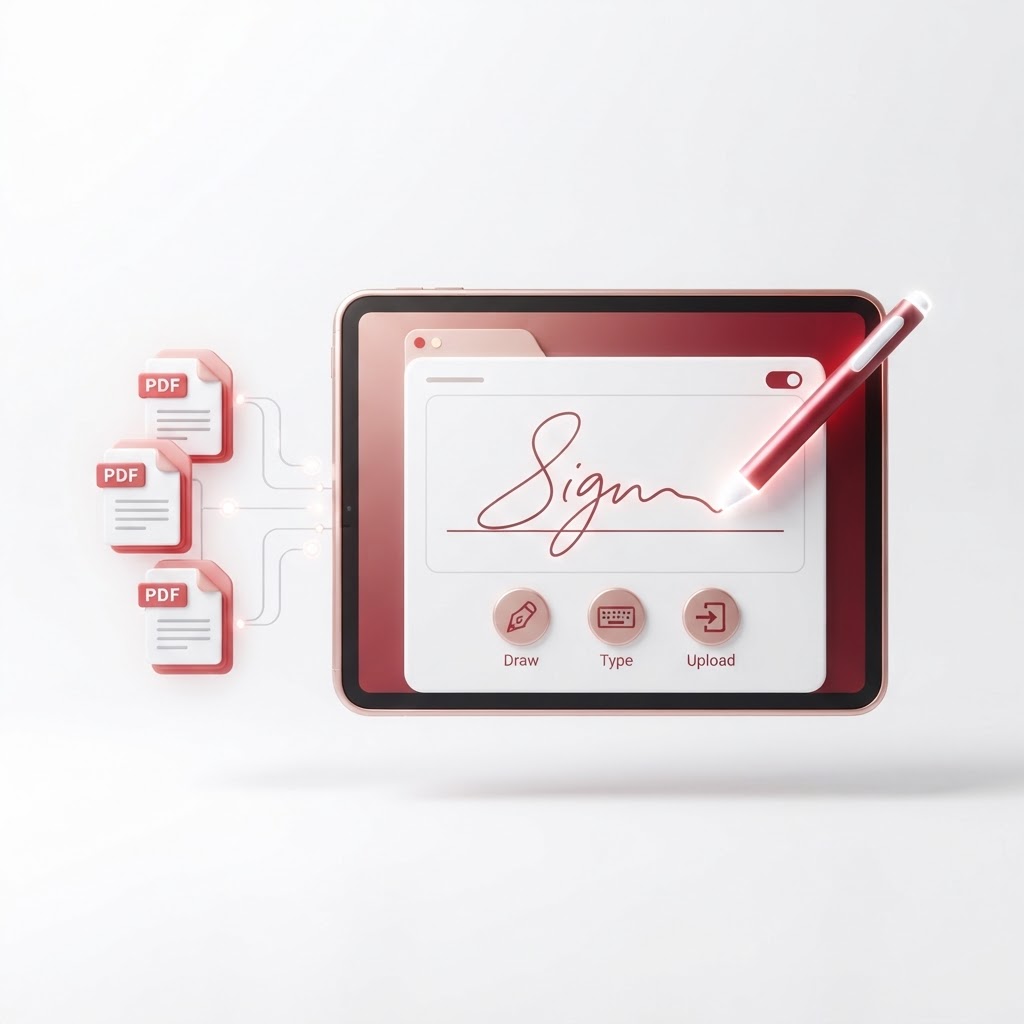
Signature Generator: Create Your Perfect eSignature
In today's digital-first business environment, manual paperwork is becoming a relic of the past. Whether you are signing a lease, approving a business contract, or finalizing an invoice, a reliable signature generator is the most efficient way to maintain professional workflows. At CrazyDocument, we provide a secure, seamless, and user-friendly experience to help you create your perfect eSignature in seconds.
Why Use a Digital Signature Generator?
Using a digital signature tool saves time and reduces the logistical burden of printing, signing, and scanning documents. With our signature generator, you can produce a professional-grade signature that is legally binding and visually consistent across all your documents.
Benefits of eSignatures
- Efficiency: Sign documents from anywhere on any device.
- Security: Digital signatures provide higher integrity than scanned images of ink signatures.
- Environmentally Friendly: Reduce your carbon footprint by eliminating paper waste.
- Professionalism: A clean, digitized signature adds a polished look to your contracts.
How to Create Your Signature with CrazyDocument
Generating your signature is straightforward. Follow these simple steps to get started:
- Navigate to our Sign PDF tool.
- Upload the document you need to sign from your device or cloud storage.
- Choose the 'Draw', 'Type', or 'Upload' option to define your signature.
- Place your signature exactly where it is needed on the page.
- Save and download your finalized, protected document.
| Feature | Benefit | | :--- | :--- | | Ease of Use | Intuitive interface for all skill levels | | Flexibility | Support for drawing, typing, or image uploads | | Security | Advanced encryption to protect your data |
Streamline Your Document Workflow
Once your document is signed, you might find that you need to perform additional edits. CrazyDocument offers a full suite of tools to help you manage your files efficiently. You can Merge PDF files to combine multiple contracts, Convert PDF to different formats for better compatibility, or use our PDF Editor to make final adjustments to your layouts. If your document is too large, use our Compress PDF tool to ensure it meets email size requirements.
Frequently Asked Questions
Is a generated signature legally binding?
Yes, in most jurisdictions, electronic signatures are legally recognized for business and personal agreements when performed through a secure platform like CrazyDocument.
Can I upload my own handwritten signature?
Absolutely. Our tool allows you to upload an image of your physical signature, which we then convert into a transparent overlay for your documents.
Is my data safe?
We prioritize your security. All documents uploaded to our platform are processed with high-level encryption and are automatically deleted from our servers after your session is complete.
Do I need to register to use the signature generator?
No, you can generate your signature and sign documents immediately without needing to create an account, though signing up provides access to additional features.
Start Now
Stop wasting time with traditional pen-and-paper workflows. Create your professional eSignature today using our Sign PDF tool and take control of your digital documentation.