Free Signature Maker — Draw, Type or Upload Your Signature
In today's digital-first environment, signing documents manually and scanning them is a relic of the past. If you are searching for a reliable signature maker free tool, CrazyDocument provides a seamless, secure, and professional solution. Whether you are finalizing a contract, approving a purchase order, or signing a personal letter, our platform allows you to create a personalized electronic signature in seconds.
How to Create Your Digital Signature with CrazyDocument
Creating a professional signature is simple. Follow these steps to generate your unique mark:
- Visit our Sign PDF tool page.
- Upload the document you need to sign.
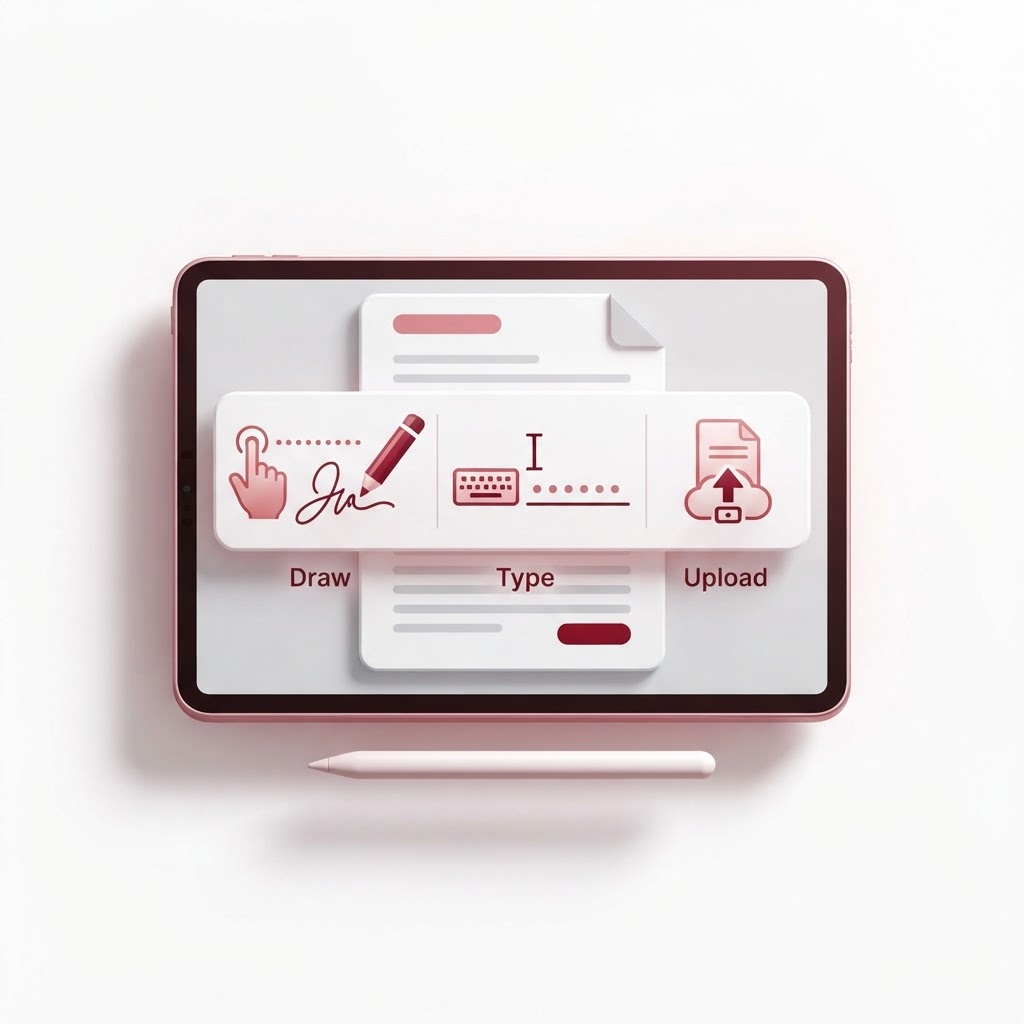
- Choose from three signature options: Draw, Type, or Upload.
- Place your signature exactly where it needs to be.
- Download or share your finalized document.
Choose Your Preferred Method
| Method | Best For | | :--- | :--- | | Draw | Matching your unique handwritten style | | Type | Clean, professional typography | | Upload | Using a high-quality scan of your wet signature |
Why Use an Electronic Signature?
Moving to electronic signatures increases your productivity significantly. Instead of printing, signing, and rescanning, you can complete the entire process within the browser. Once you have signed your document, you might find you need to perform additional tasks like using our Merge PDF tool or Compress PDF to ensure the file is ready for email submission.
Is an Electronic Signature Legal?
Yes, electronic signatures are legally binding in most jurisdictions worldwide, provided they meet specific criteria regarding intent and authenticity. CrazyDocument ensures that your signature process is recorded with the necessary security standards to keep your transactions valid and tamper-proof.
Frequently Asked Questions
Is the CrazyDocument signature tool really free?
Absolutely. We believe that professional document management should be accessible to everyone. Our signature maker is free to use without hidden costs.
Can I use this on my mobile device?
Yes. Our interface is fully responsive. For an even better experience, try our Smart Scanner if you need to digitize physical paperwork before signing.
Is my signature secure?
We take security seriously. Your files are processed securely and are never stored longer than necessary to complete your task. Once you download your file, it is removed from our servers.
Can I request a signature from someone else?
Certainly. If you need to send a document to others, you can use our Request Signature feature to streamline the workflow.
Enhance Your Document Workflow
After signing your files, you may need further modifications. CrazyDocument offers a full suite of tools to manage your PDFs. You can use our PDF Editor to make final tweaks, or if you are working with official documents, visit our Forms Library to get a head start on your paperwork.
Start Now
Ready to get started? Stop wasting time with scanners and printers. Head over to our Sign PDF tool and create your digital signature today.