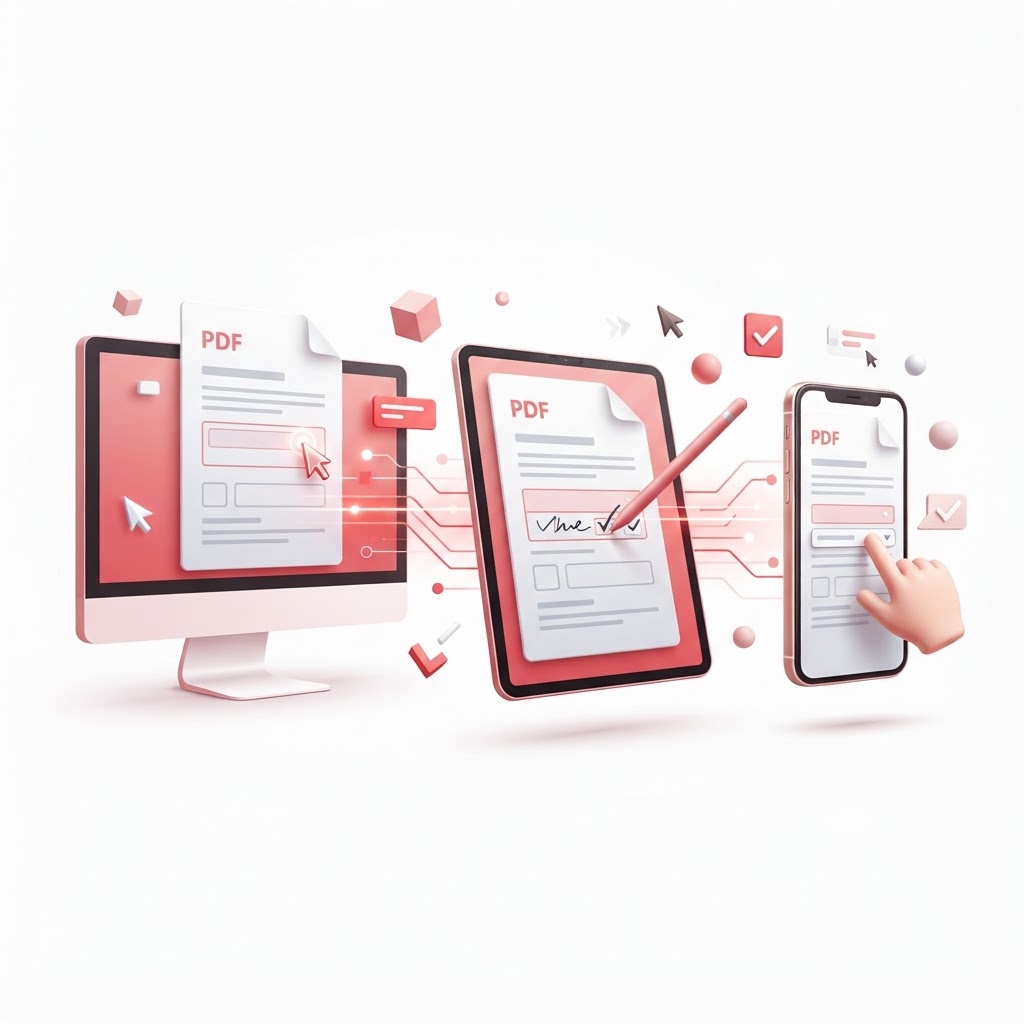
How to Fill Out a PDF Form on Any Device (2026 Guide)
In our increasingly digital world, the ability to process paperwork efficiently is a vital skill. Whether you are applying for a mortgage, signing a rental agreement, or completing a government application, learning how to fill out a PDF form correctly is essential. Many people struggle with static documents that do not allow direct typing, but with the right tools, you can transform these files into interactive, fillable documents in seconds.
At CrazyDocument, we believe that managing your documents should be simple, free, and accessible. In this guide, we will walk you through the most effective methods to fill out, edit, and sign your PDFs without needing expensive software.
Why Use Digital Form Fillers?
Before diving into the steps, it is important to understand why digital tools outperform traditional printing and scanning.
- Eco-Friendly: You save paper and ink.
- Efficiency: Save hours by avoiding manual handwriting.
- Legibility: Eliminate errors caused by messy handwriting.
- Security: Digital files can be protected with encryption via our Protect PDF tool.
How to Fill Out a PDF Form Online: Step-by-Step
Follow these simple steps to complete your document using the PDF Editor at CrazyDocument:
- Upload Your File: Navigate to the CrazyDocument website and select the editor tool.
- Identify Form Fields: If the document has existing fields, click directly into them to begin typing.
- Use Text Tools: If the document is a flat image or scanned file, use the "Text" tool to place your information exactly where it needs to go.
- Add Your Signature: Once the text is complete, use the Sign PDF feature to add your legally binding digital signature.
- Save and Export: Download your newly filled document to your local device.
Frequently Asked Questions
Can I fill out a PDF on my phone?
Yes! CrazyDocument is fully responsive. You can use your mobile browser to upload files, add text, and sign documents on the go.
What if my PDF is a scan?
If your document is an image-based scan, you may need to use our OCR tool first to make the text selectable or simply use the editor to overlay text boxes.
Is it safe to upload PDFs to your platform?
Absolutely. We prioritize user privacy. Files are processed securely and deleted from our servers automatically after your session.
Do I need special software to open the filled PDF?
No. Once you save your file from CrazyDocument, it will be a standard, compatible PDF that can be opened by any modern web browser or PDF reader.
Additional Tools to Optimize Your Workflow
Managing documents often requires more than just filling out forms. Here are other tasks you can perform at CrazyDocument to keep your files organized:
| Task | Recommended Tool | | :--- | :--- | | Combining multiple pages | Merge PDF files | | Extracting specific pages | Split PDF | | Converting a document to Excel | Convert PDF | | Adding professional branding | Add watermarks |
Start Now
Ready to get started? Stop wrestling with printers and pens. Visit our PDF Editor today to see how easy it is to fill out your documents, or browse our vast Forms Library to find the template you need. Join millions of users who rely on CrazyDocument for all their digital paperwork needs.