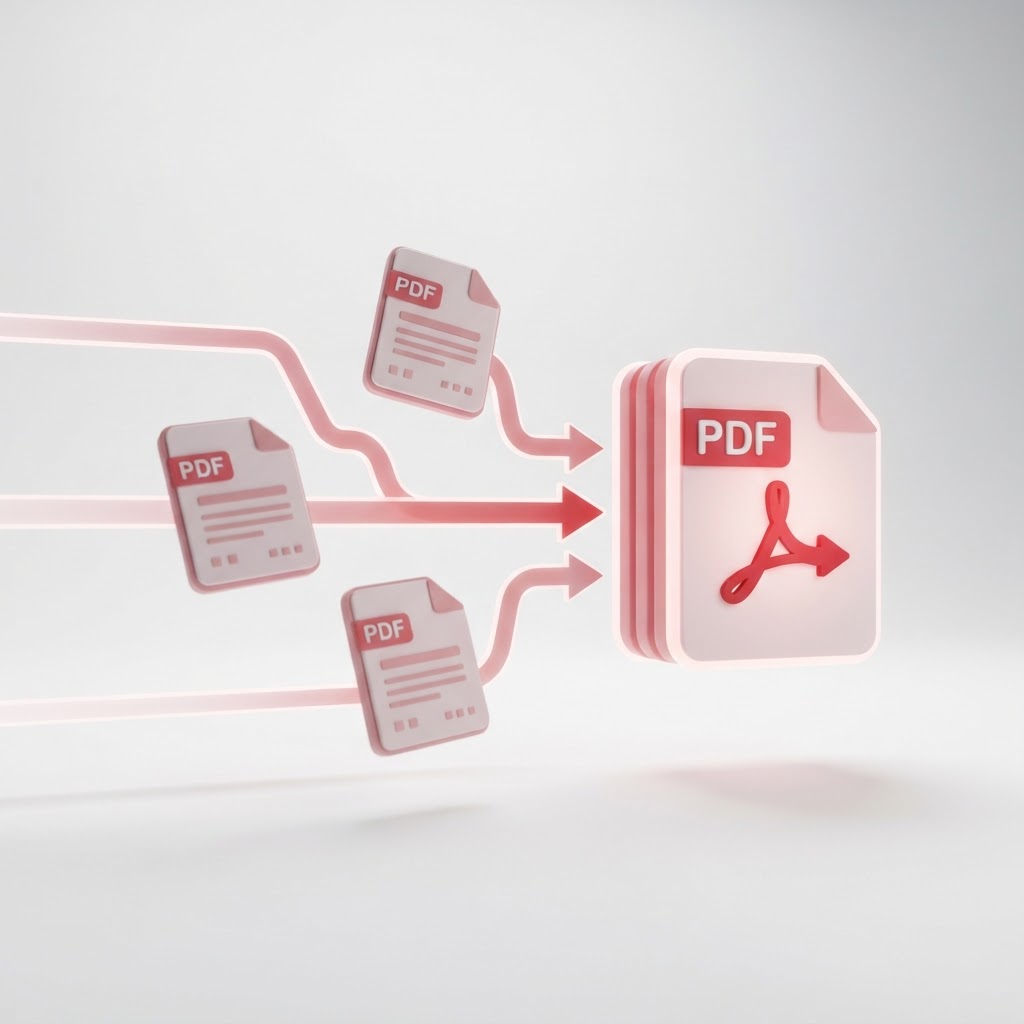
Merge PDF Files Free — Combine PDFs in Any Order
Managing digital documents can often become chaotic when you have multiple files scattered across your folders. Whether you are preparing a project report, compiling research papers, or organizing personal records, the ability to merge pdf documents into a single, cohesive file is essential. CrazyDocument offers a powerful, browser-based solution that allows you to combine multiple documents in seconds without needing complex software installations.
Why You Should Merge PDF Files
Combining documents is more than just a convenience; it is a workflow necessity. By centralizing your data, you reduce the risk of lost files and simplify the sharing process. Instead of sending five separate attachments to a colleague or client, you can provide one professional, organized document.
Benefits of Using CrazyDocument
- Efficiency: Save time by processing multiple files at once.
- Security: Your files are processed securely and deleted from our servers shortly after you finish.
- Accessibility: Access the tool from any browser, on any device.
- Ease of Use: An intuitive drag-and-drop interface designed for all skill levels.
How to Merge PDF Files Online
Following these simple steps will help you organize your documents in no time:
- Navigate to the Merge PDF tool on CrazyDocument.
- Click the upload button or drag and drop your files directly into the browser window.
- Arrange the order of your documents as needed.
- Click the "Merge" button to process your file.
- Download your newly combined document.
Additional PDF Management Tools
Once your files are merged, you might need to perform further adjustments. CrazyDocument offers a full suite of utilities to manage your documents effectively:
| Tool | Function | | :--- | :--- | | Split PDF | Divide large documents into individual pages. | | Compress PDF | Reduce file size for easier email sharing. | | Rotate PDF | Fix orientation for scanned documents. | | PDF Editor | Edit text and annotations directly. |
Frequently Asked Questions
Is it safe to merge PDF files on CrazyDocument?
Yes. We prioritize your privacy. All uploaded documents are processed in a secure environment and are automatically removed from our systems after your session ends.
Can I merge files of different formats?
If you have various file types, you should first Convert to PDF to ensure all documents are compatible before using our merge tool.
Is there a limit on how many files I can merge?
You can combine multiple files seamlessly. Our tool is optimized to handle large documents while maintaining high performance.
Does this tool require registration?
No. You can use our PDF utilities, including the Merge PDF tool, without the need to create an account.
Start Now
Ready to organize your workspace? Head over to our Merge PDF tool today and experience the fastest way to combine your documents for free.