How to Edit a PDF for Free — The 2026 Step-by-Step Guide
Are you looking for a reliable way to modify your documents without breaking the bank? Learning how to edit a PDF for free is an essential skill in our digital-first world. Whether you need to update a report, sign a contract, or reorganize your project files, having the right tools at your fingertips saves valuable time and resources. At CrazyDocument, we believe that document management should be accessible, secure, and intuitive for everyone.
Why Choose Online PDF Tools?
Online tools have revolutionized the way we handle digital paperwork. Instead of downloading heavy, expensive software, you can perform complex tasks directly in your browser. With CrazyDocument, you can:
- Edit text and images seamlessly.
- Keep your file structure organized.
- Work from any device, anywhere.
- Ensure data privacy and security.
How to Edit a PDF for Free Using CrazyDocument
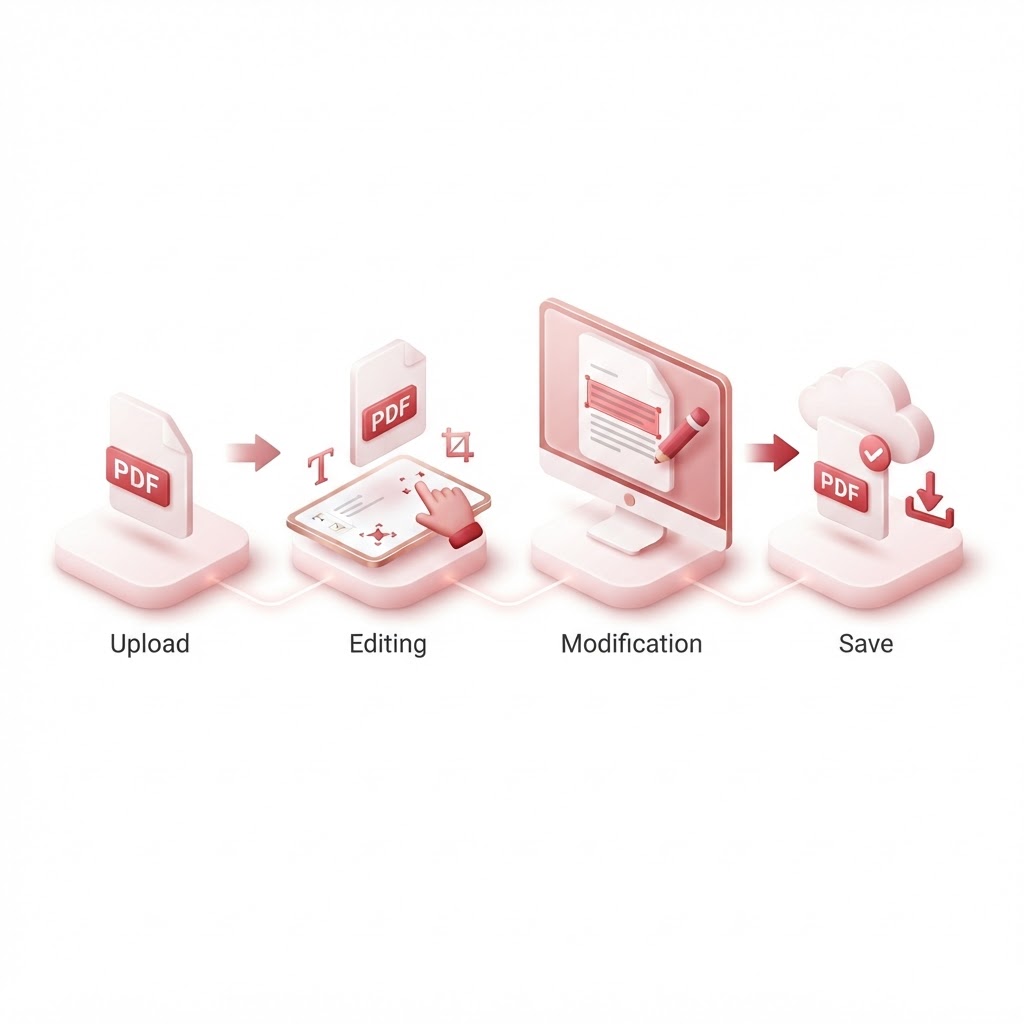
Editing your documents has never been simpler. Follow these steps to get started:
- Navigate to the PDF Editor on our website.
- Upload your file by dragging and dropping it into the designated area.
- Use the toolbar to add text, insert shapes, or highlight important sections.
- Save your changes and download your updated PDF instantly.
Advanced Document Management Features
Sometimes, editing is just the beginning. You might need to change the structure of your document or prepare it for professional use. Here are some common tasks you can handle:
| Task | Recommended Tool | | :--- | :--- | | Combine Files | Merge PDF files | | Extract Pages | Split PDF | | Change Layout | Rearrange PDF pages | | Reduce File Size | Compress PDF | | Add Branding | Add or remove watermarks |
Can I Edit Scanned Documents?
Yes. If you have a scanned document, you may need to convert the image text into editable data. Our OCR tool makes this possible by identifying characters within scanned files, allowing you to edit them as you would a standard document.
Frequently Asked Questions
Is it safe to edit PDFs online?
Yes. CrazyDocument prioritizes user privacy. All files are processed securely and deleted from our servers automatically after your session.
Can I edit a PDF on my phone?
Absolutely. Our web-based platform is fully responsive, meaning you can edit on the go. You can even use our Smart Scanner to create PDFs from physical documents in seconds.
What if I need to add a signature?
If you need to sign a document, our Sign PDF tool allows you to draw or upload your signature directly onto the file.
Do I need to create an account to use these tools?
Most basic features on CrazyDocument are available for free without requiring an account, making it the most efficient way to get your work done quickly.
Start Now
Ready to simplify your workflow? Don't let clunky software slow you down. Head over to our PDF Editor and experience the easiest way to edit your documents today. If you need help with other tasks, explore our full suite of PDF tools to optimize your document management.