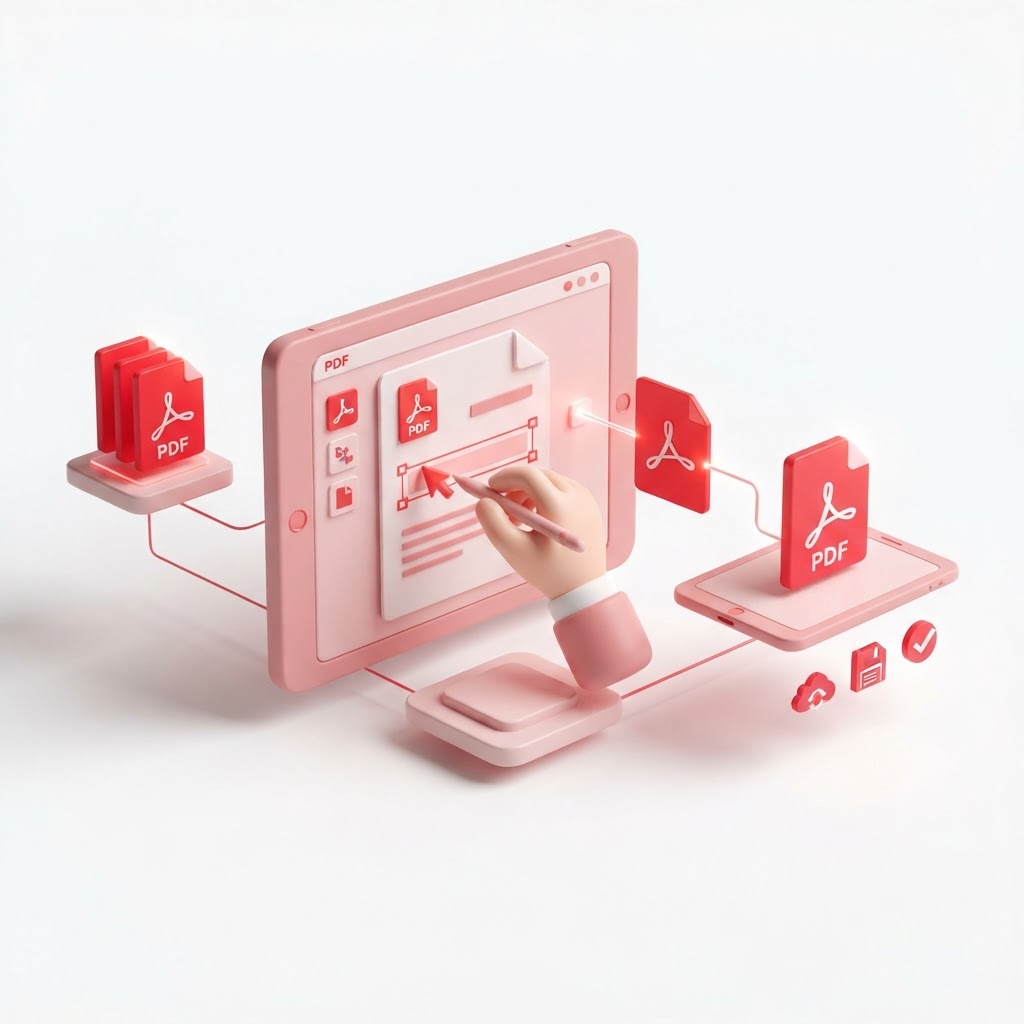
How to Edit a PDF — The 2026 Step-by-Step Guide
In the modern digital landscape, mastering how to edit a pdf is an essential skill for professionals, students, and freelancers alike. Whether you need to fix a typo, update outdated information, or add a signature, having the right tools at your fingertips is crucial. At CrazyDocument, we believe that document management should be simple, efficient, and accessible to everyone without complex software installation.
Why You Need to Edit PDFs Frequently
PDFs are the gold standard for file sharing because they maintain formatting across all devices. However, their static nature can be frustrating when you discover an error. Instead of starting from scratch, learning how to edit a pdf saves you hours of work.
Step-by-Step Guide: How to Edit a PDF with CrazyDocument
Editing your documents has never been easier. Follow these simple steps to get the job done in seconds:
- Visit the Platform: Go to our PDF Editor page.
- Upload Your File: Drag and drop your document into the interface.
- Modify Content: Use our intuitive tools to add text, insert images, or highlight important sections.
- Finalize and Download: Once satisfied, click save and download your updated PDF instantly.
Advanced Editing Options
Beyond basic text changes, CrazyDocument offers a suite of specialized tools to handle complex document tasks.
| Feature | Benefit | | :--- | :--- | | Merge PDF files | Combine multiple reports into one | | Split PDF | Extract specific pages for easier sharing | | Compress PDF | Reduce file size for email attachments | | OCR | Turn scanned paper documents into searchable text |
Working with Scanned Documents
If you have a physical paper document, use our Smart Scanner to turn it into a high-quality PDF. If the file contains text that isn't selectable, our OCR engine will process it so you can edit it just like a regular document.
Formatting and Organization
Need to add structure? You can easily Add page numbers or Add headers and footers to make your documents look professional. If your pages are out of order, simply use Rearrange PDF pages to get everything in the perfect sequence.
Frequently Asked Questions
Can I edit a PDF for free?
Yes. CrazyDocument provides a comprehensive suite of tools to edit, convert, and manage PDFs at no cost.
Is it safe to upload my files online?
Absolutely. At CrazyDocument, we prioritize your privacy by using secure encryption and ensuring your files are automatically deleted from our servers after processing.
Can I edit a scanned PDF?
Yes, our OCR technology allows you to convert scanned PDFs into editable formats, making it easy to fix mistakes in documents that were once locked.
Start Editing Today
Stop struggling with rigid file formats. Whether you need to update a contract, Sign PDF documents, or Convert PDF files into different formats, CrazyDocument is your all-in-one solution.