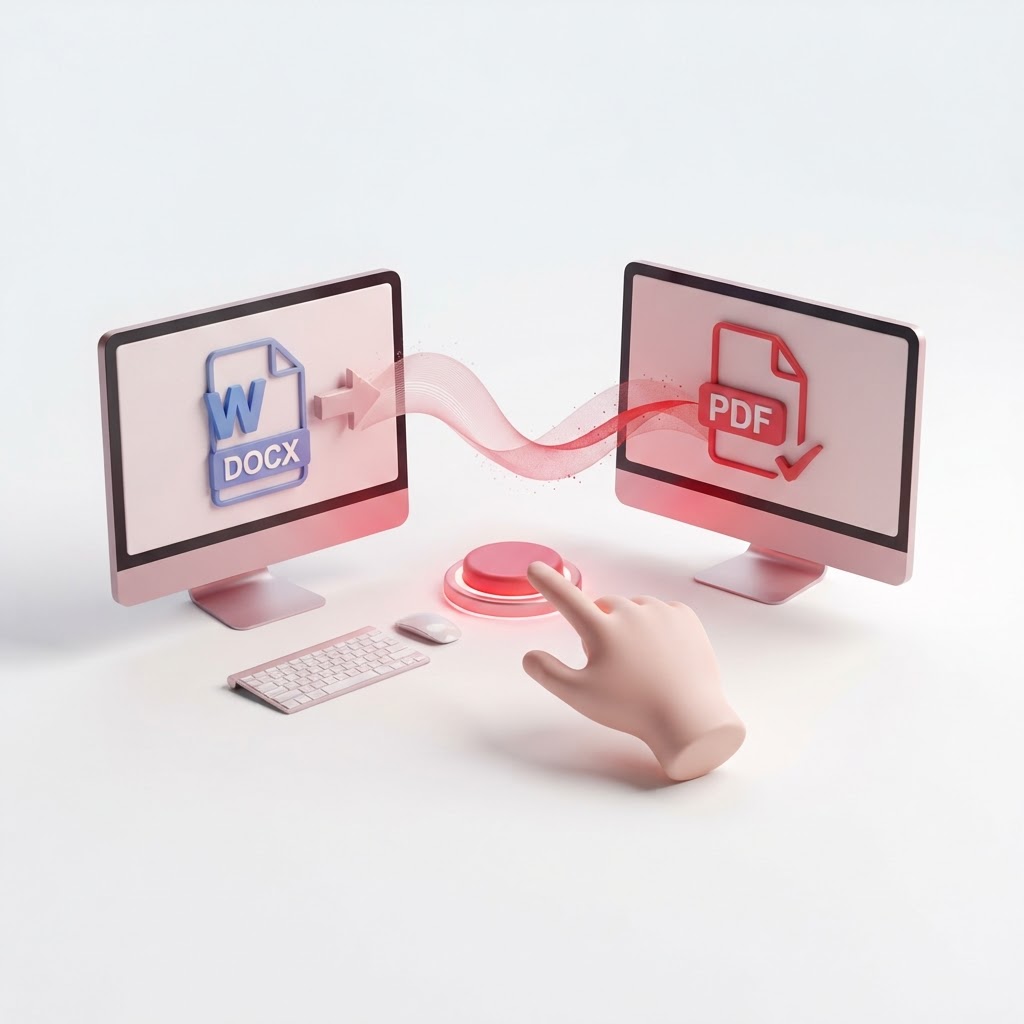
Convert DOCX to PDF Free — One Click, Perfect Layout
When you need to share a professional document, the DOCX format is often problematic. Formatting can break depending on the device or software used to open it. This is why you should convert docx to pdf using CrazyDocument. Our platform ensures that your fonts, images, and layout remain exactly as you intended, providing a universal viewing experience across all devices.
Why Convert DOCX to PDF?
Converting your Word documents into the PDF format is a standard practice in business and academia. Here is why it remains the best choice:
- Preservation of Layout: PDF files freeze your document in place, preventing unintended edits.
- Universality: Any device, from smartphones to tablets and computers, can open a PDF without extra software.
- Security: PDFs are easier to secure with passwords or signatures.
How to Convert DOCX to PDF with CrazyDocument
Our process is designed for speed and simplicity. Follow these steps to get your files ready in seconds:
- Navigate to our Convert to PDF page.
- Click "Upload File" or simply drag and drop your document into the box.
- Wait for CrazyDocument to process the conversion.
- Download your new, professional-grade PDF instantly.
| Feature | Benefit | | :--- | :--- | | Speed | Instant conversion times | | Quality | 100% preservation of text and images | | Accessibility | Works on all web browsers |
What Else Can You Do After Conversion?
Once you have successfully converted your file, you might find that you need further adjustments. CrazyDocument provides an entire suite of tools to manage your documents effectively:
- Need to organize your pages? Try to Rearrange PDF files easily.
- Have multiple files? Merge PDF files into a single document.
- Want to reduce file size? Compress PDF to make them easier to email.
- Need to add security? Use our Protect PDF feature to add password encryption.
Frequently Asked Questions
Is it safe to convert files on CrazyDocument?
Yes. We prioritize your privacy. All uploaded documents are processed securely and deleted from our servers automatically to ensure your data remains confidential.
Will my images lose quality during the conversion?
No. CrazyDocument uses high-fidelity conversion technology to ensure all images and graphics retain their original resolution.
Can I convert multiple files at once?
Absolutely. Our system is designed to handle bulk tasks, saving you time when dealing with large projects.
Do I need to install any software?
Not at all. Everything happens in your browser, making it the most convenient way to handle document management tasks.
Start Now
Stop worrying about formatting errors and layout shifts. Experience the fastest, most reliable conversion process available today. Convert your DOCX to PDF now and streamline your document workflow with CrazyDocument.