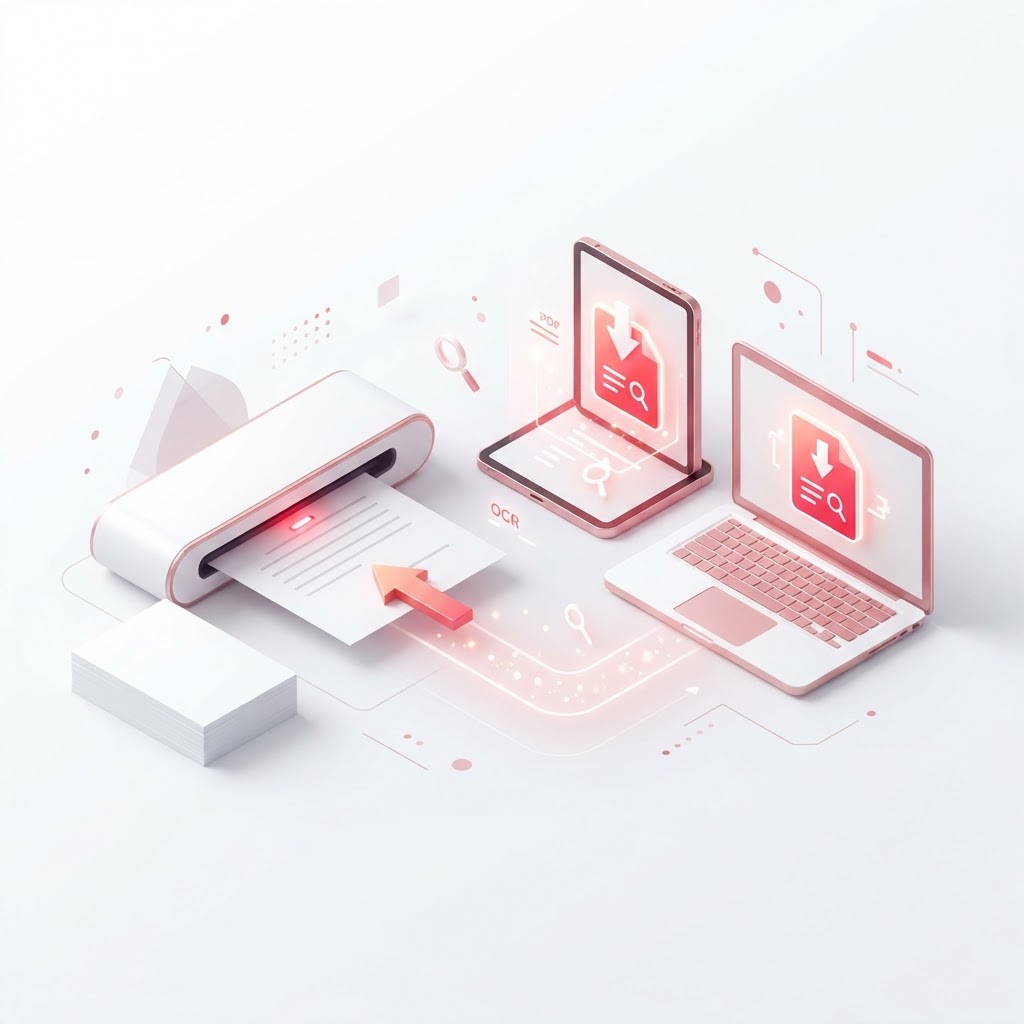
Scan to PDF Free — Turn Paper Into Searchable PDFs
In today's digital-first environment, relying on physical filing cabinets is inefficient. If you need to scan to PDF quickly and accurately, CrazyDocument provides the tools you need to digitize your paperwork instantly. Whether you are capturing receipts, legal contracts, or hand-written notes, our platform ensures your documents are clear, professional, and easy to organize.
How to Scan Documents to PDF Easily
Turning your physical documents into digital files shouldn't be complicated. With CrazyDocument, you can go from paper to digital in just a few simple steps:
- Use your mobile device camera to take a clear photo of your document.
- Upload your file to our Smart Scanner tool.
- Adjust the borders and apply filters to ensure the text is crisp.
- Save and export your file as a high-quality PDF.
Why Convert Scanned Files to Searchable PDFs?
Simply scanning an image isn't enough if you want to find information quickly. When you use our advanced OCR tool, you can transform flat image scans into searchable text. This allows you to copy, paste, and search for specific keywords within your document, saving you hours of manual data entry.
Benefits of Using CrazyDocument
- Efficiency: Process multiple pages in seconds.
- Clarity: Enhance readability with automatic document sharpening.
- Organization: Use our Merge PDF files feature to combine multiple scans into one single document.
- Security: Keep your sensitive information safe with our Protect PDF encryption tools.
Managing Your Scanned PDFs
Once you have converted your files, CrazyDocument offers a full suite of management tools to keep your workflow running smoothly. You can:
| Feature | Benefit | | :--- | :--- | | Rotate PDF | Correct orientation for messy scans | | Compress PDF | Reduce file size for easy sharing | | PDF Editor | Add annotations or comments to your files | | Sign PDF | Add your signature to contracts digitally |
Frequently Asked Questions
Can I scan to PDF using my phone?
Yes, you can use your smartphone camera and our Smart Scanner to capture documents and convert them into PDFs instantly.
Is it free to scan documents with CrazyDocument?
Yes, CrazyDocument offers a comprehensive suite of free tools to help you scan, convert, and manage your PDF files without hidden costs.
How do I make my scanned PDF searchable?
After uploading your scan, use our OCR tool to recognize the text within your image, making the entire document searchable.
Can I scan multiple pages at once?
Absolutely. You can scan various pages and then use our Merge PDF files tool to combine them into one seamless document.
Start Now
Ready to declutter your workspace? Stop wasting time with paper and start digitizing your documents today. Visit our Smart Scanner to begin your first scan for free.