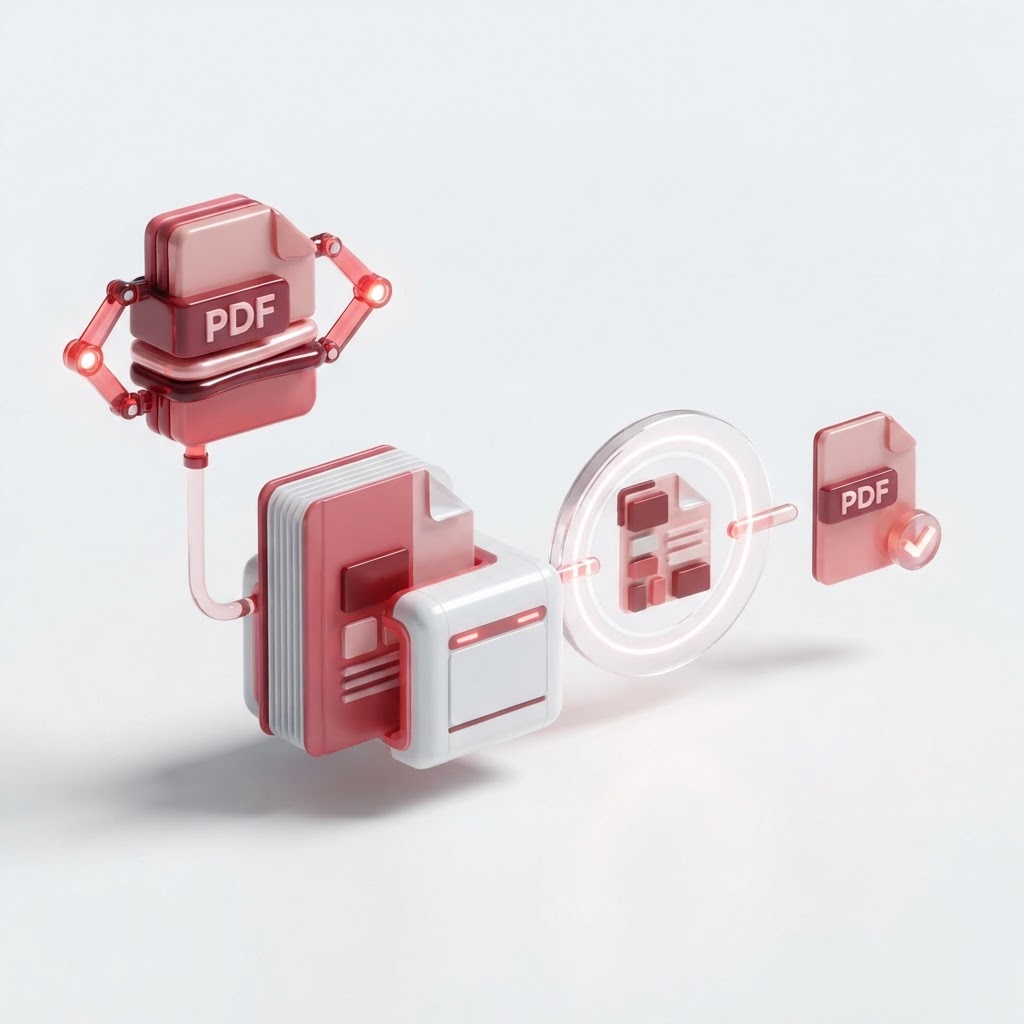
How to Make a PDF Smaller — The 2026 Step-by-Step Guide
Are you struggling to send large documents via email? Learning how to make a pdf smaller is a critical skill in the digital age. Whether you are applying for jobs using our Resume Builder or sharing high-resolution reports, oversized PDFs can cause upload errors and frustration. At CrazyDocument, we believe your document workflow should be seamless and efficient.
Why Does Your PDF File Size Matter?
Large PDF files consume unnecessary storage space and often exceed file size limits for email attachments, online forms, and cloud storage platforms. By learning how to compress your files, you improve document accessibility, speed up transfer times, and keep your file management organized.
How to Make a PDF Smaller: Step-by-Step
Optimizing your file size does not require technical expertise. Follow these simple steps using the CrazyDocument Compress PDF tool:
- Visit the Compress PDF page on CrazyDocument.
- Click the "Select File" button to upload your document.
- Choose your preferred compression level (e.g., Extreme, Recommended, or Low).
- Click the "Compress" button.
- Download your optimized, smaller PDF instantly.
Can You Reduce PDF Size Without Losing Quality?
Yes, it is possible. Modern compression algorithms intelligently remove redundant metadata and optimize image resolutions without making the text blurry or unreadable. This balance is perfect for standard office documents and reports.
| Compression Level | Best For | Quality Impact | | :--- | :--- | :--- | | Low | Print-ready files | Negligible | | Recommended | Email/Web sharing | Minimal | | Extreme | Web archiving | Visible |
Advanced Tips for Document Management
Once you have compressed your file, you may find other document tasks need addressing. If your file was large because it contained unnecessary pages, you might want to Split PDF or Rearrange PDF pages to organize the content better. If the file contains images that are too heavy, sometimes it is better to Convert to PDF using compressed source images from the start.
Frequently Asked Questions
Will compression change the text in my PDF?
No. Compression targets file size metadata and image resolution, ensuring your text remains fully selectable and searchable.
Is it safe to upload sensitive documents?
At CrazyDocument, your privacy is our priority. Files are processed securely and deleted from our servers shortly after you finish your work.
Can I protect my files after compressing them?
Absolutely. After shrinking your file, you can use our Protect PDF tool to add password encryption for extra security.
Start Now
Ready to get started? Stop wasting time with large file uploads. Head over to our Compress PDF tool and shrink your documents in seconds for free.