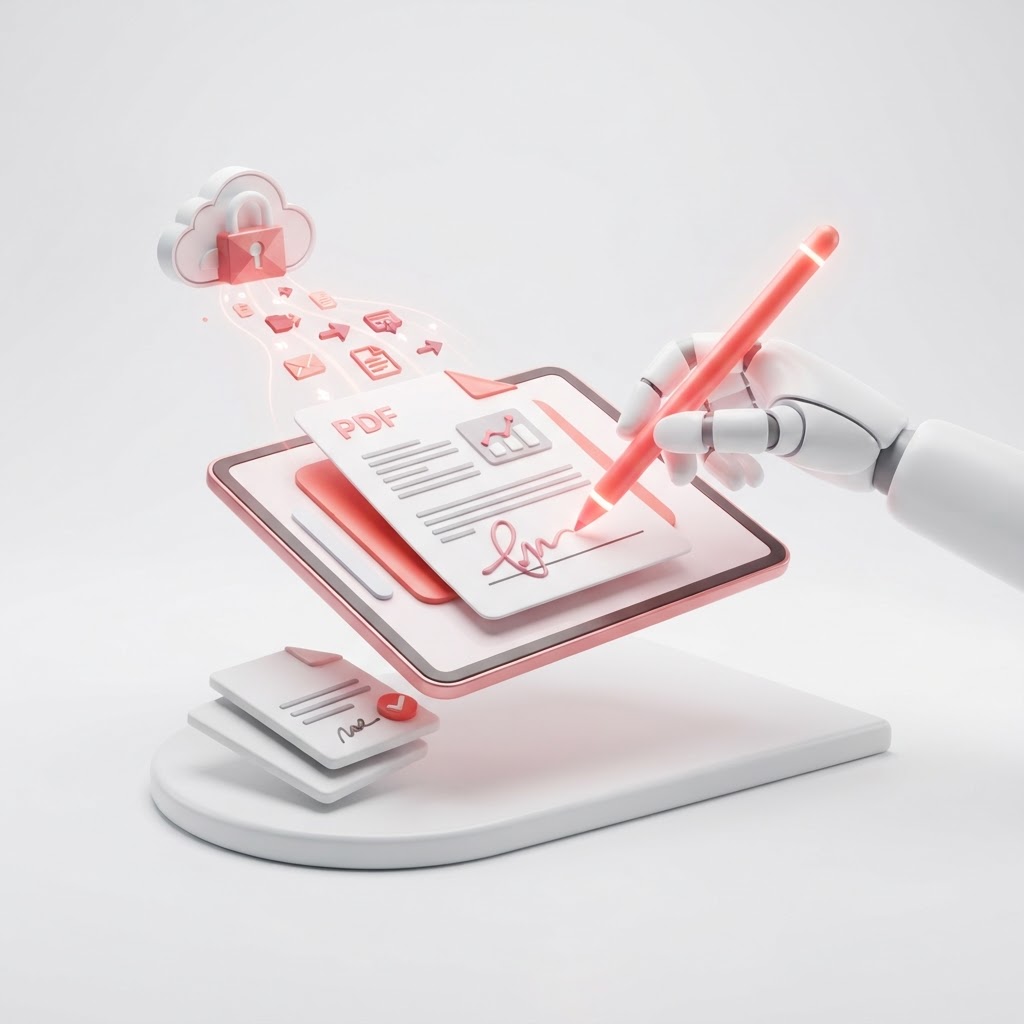
eSign PDFs in Seconds — Free Electronic Signing Tool
In today's fast-paced digital environment, waiting for physical mail or dealing with manual printing and scanning is a thing of the past. If you need to esign pdf documents quickly, securely, and without any cost, CrazyDocument provides the ultimate solution. Whether you are finalizing a contract, approving an internal memo, or signing a rental agreement, our tool streamlines your workflow instantly.
Why Use an Electronic Signature?
Transitioning to digital signatures offers significant advantages for individuals and businesses alike. By using our digital tool, you can:
- Reduce Turnaround Time: Get agreements signed in minutes rather than days.
- Enhance Security: Digital signatures provide verifiable proof of authenticity.
- Save Resources: Eliminate the need for paper, ink, and printer maintenance.
- Stay Organized: Keep all your signed documents in one accessible location.
How to eSign a PDF Using CrazyDocument
Follow these simple steps to add your signature to any document:
- Upload: Visit our /tools/sign tool and drag and drop your file.
- Create Signature: Use your mouse, touchpad, or upload an image of your signature.
- Place: Drag your signature onto the document exactly where you need it.
- Download: Save your finalized, signed document instantly.
Need More Editing Power?
Sometimes a signature is just the last step. Before you sign, you may need to adjust your document. Use our /tools/editor to make text changes or our /tools/rearrange tool to organize your pages. If your document is too large to email, simply /tools/compress it first.
Is an eSign PDF Legally Binding?
Electronic signatures are widely recognized as legally binding in most countries, provided that all parties intend to sign and the process is secure. CrazyDocument ensures your files are encrypted and handled safely, meeting modern standards for document integrity.
Frequently Asked Questions
Are my files safe on CrazyDocument?
Yes. We prioritize user privacy. All uploaded documents are processed securely and deleted from our servers shortly after you finish your task.
Can I sign documents on my phone?
Absolutely. Our tool is mobile-responsive. You can sign documents directly from your smartphone or use our /tools/scanner to digitize physical paperwork before signing.
Can I request others to sign a document?
If you need a signature from someone else, use our /tools/request-signature feature to send a professional request.
Do I need to create an account?
No, you can use our basic signing tools for free without mandatory registration.
Start Now
Stop wasting time with traditional mailing methods. Experience the fastest way to handle your paperwork. Head over to our /tools/sign page to esign pdf files right now, or explore our full suite of utilities like /tools/convert and /tools/protect to manage all your document needs in one place.