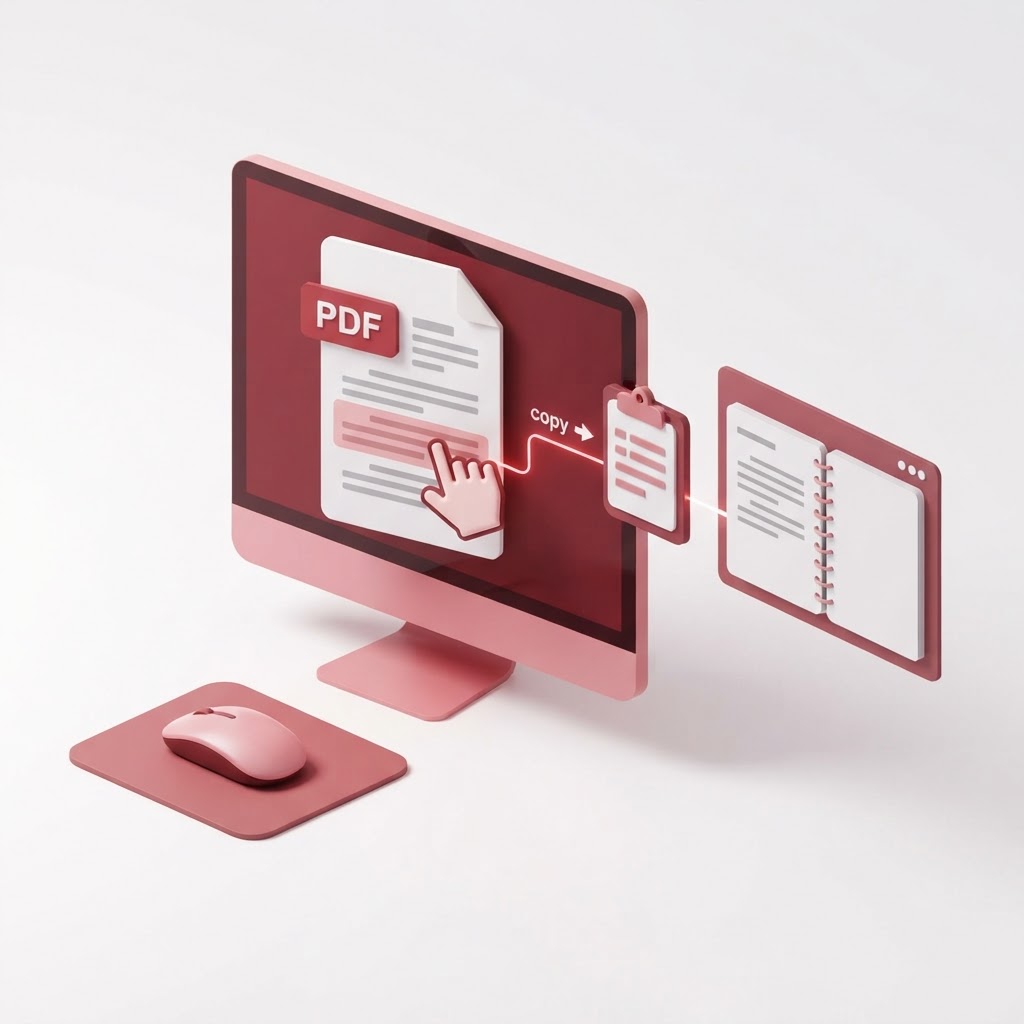
How to Copy Text From a PDF — The 2026 Step-by-Step Guide
Are you struggling with a document that refuses to let you select its content? Learning how to copy text from a PDF is a fundamental skill for students, researchers, and professionals alike. Whether you are extracting data for a report or grabbing a snippet for a presentation, this guide covers everything you need to know to get the job done efficiently using CrazyDocument.
Why is Copying Text From PDF Difficult?
PDFs were originally designed to preserve the visual integrity of a document, not to be easily editable. Sometimes, text is saved as part of an image rather than as selectable characters. If you encounter this issue, you are likely working with a scanned document. Thankfully, modern tools like CrazyDocument make it possible to bypass these restrictions effortlessly.
Method 1: Using the Standard Selection Tool
For standard PDFs that contain selectable text, the process is straightforward:
- Open your document in CrazyDocument.
- Select the 'Text Tool' from the top menu.
- Click and drag your cursor over the text you wish to copy.
- Right-click and choose 'Copy' or use the keyboard shortcut Ctrl+C (Cmd+C on Mac).
Method 2: Extracting Text From Scanned PDFs (OCR)
If the text isn't selectable, it has been saved as an image. You must use Optical Character Recognition (OCR) to convert those images into editable text.
| Feature | Benefit | | :--- | :--- | | Accuracy | High-precision character recognition | | Speed | Instant processing | | Flexibility | Supports multiple languages |
To use our OCR tool:
- Upload your file to CrazyDocument.
- Select the language of the document.
- Click 'Convert' to allow the software to identify the text.
- Once complete, copy the text directly from the output file.
Can I Copy Text From a Protected PDF?
If a document has security restrictions, you cannot copy text until those permissions are removed. Use our Protect tool to manage permissions, ensuring you have the owner's authorization to modify the file.
Frequently Asked Questions
Can I copy text from a PDF to Word?
Yes, use our Convert tool to transform your PDF into an editable Word document.
Why does my text look garbled after copying?
This usually occurs due to font encoding issues in the original PDF. Running the document through our OCR tool often resolves these formatting glitches.
Is it free to extract text with CrazyDocument?
Yes, CrazyDocument provides free tools to help you manage and extract content from your documents.
Start Now
Don't let rigid document formats slow you down. Whether you need to rearrange pages with Rearrange or extract text with our powerful OCR, we have the tools you need. Visit CrazyDocument today and reclaim control over your digital documents.