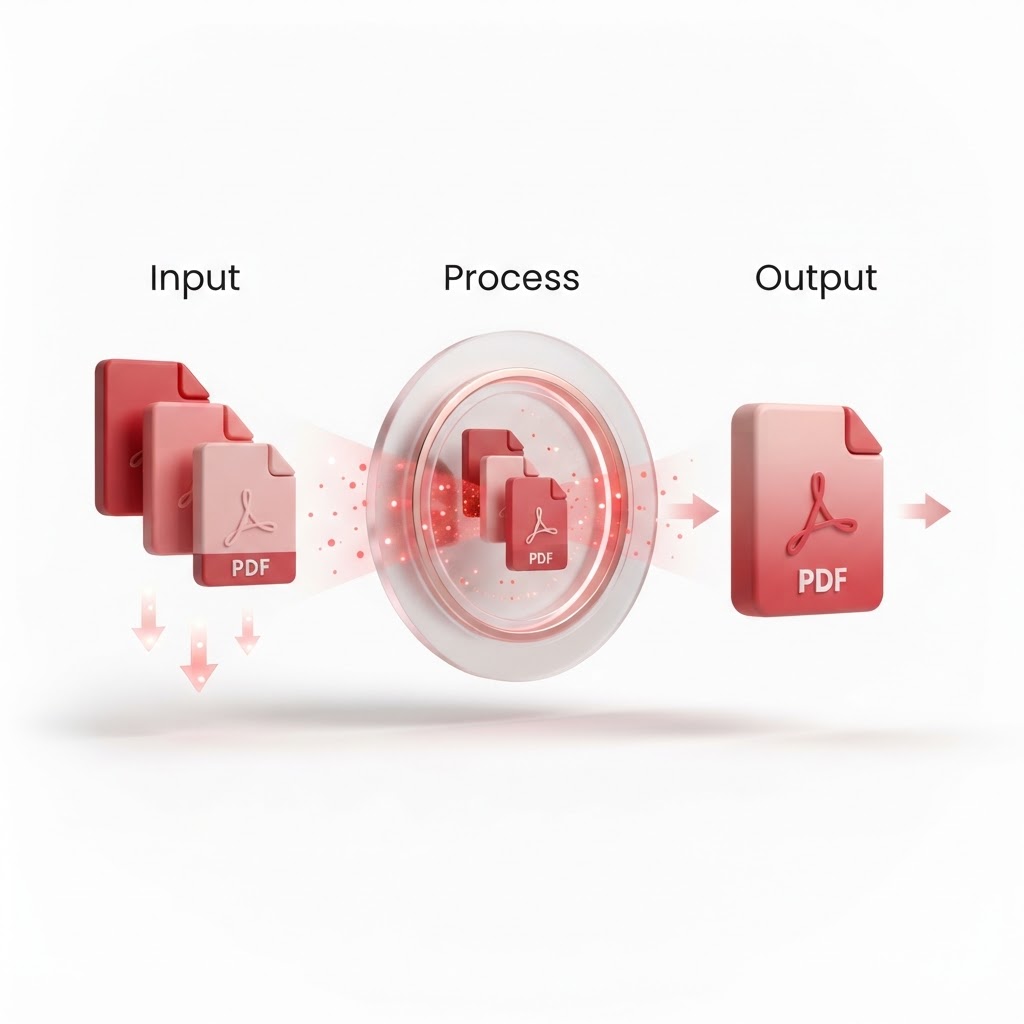
How to Merge PDF Files — The 2026 Step-by-Step Guide
Managing multiple digital documents can quickly become a headache, especially when you have separate pages scattered across your desktop. Learning how to merge PDF files is a vital productivity skill for professionals, students, and anyone tired of switching between five different tabs to view one report. With CrazyDocument, you can streamline your workflow in seconds.
Why Merge PDF Files?
Whether you are collating research papers, combining invoices for expense reports, or organizing a digital portfolio, merging files helps maintain clarity. Instead of sending five separate attachments, a single consolidated file makes sharing easier and viewing more professional.
How to Merge PDF Files Using CrazyDocument
Our platform is designed to be the fastest way to combine your documents without the need for bloated software installations. Follow these simple steps:
- Navigate to the Merge PDF tool page.
- Upload your files by dragging and dropping them into the designated area.
- Reorder your files as needed using the intuitive drag-and-drop interface.
- Click the "Merge" button.
- Download your new, combined document instantly.
Can You Reorder Pages Before Merging?
Yes. If your files have specific pages that need to be swapped, you can use our Rearrange PDF tool before finalizing your merge to ensure the document flow is perfect.
Comparison: Manual vs. Automated Merging
| Feature | Manual Consolidation | CrazyDocument Merging | | :--- | :--- | :--- | | Speed | Slow (Copy/Paste) | Near Instant | | Quality | Low (Often ruins formatting) | High (Maintains resolution) | | Ease of Use | Difficult | Simple drag-and-drop | | Security | Local only | Encrypted processing |
Frequently Asked Questions
Is it safe to merge my private files online?
At CrazyDocument, your privacy is our priority. All files uploaded are automatically deleted from our servers shortly after processing, ensuring your data remains secure.
Can I merge files of different types?
If you have Word documents or images, you can first Convert to PDF using our tool, then proceed to merge them into one master file.
Is there a limit to how many files I can merge?
CrazyDocument is built to handle heavy workloads, allowing you to process large volumes of pages seamlessly without restrictions.
Beyond Merging: Optimize Your Workflow
Once you have combined your files, you might need further refinements. Here are additional tools to help you polish your documents:
- Need to shrink file size? Use our Compress PDF tool.
- Need to redact sensitive info? Try our PDF Editor.
- Need to add professional polish? Use Add page numbers or Add headers and footers.
Start Now
Stop wasting time managing scattered documents. Join millions of users who rely on our platform for all their document needs. Head over to our Merge PDF page to get started today!