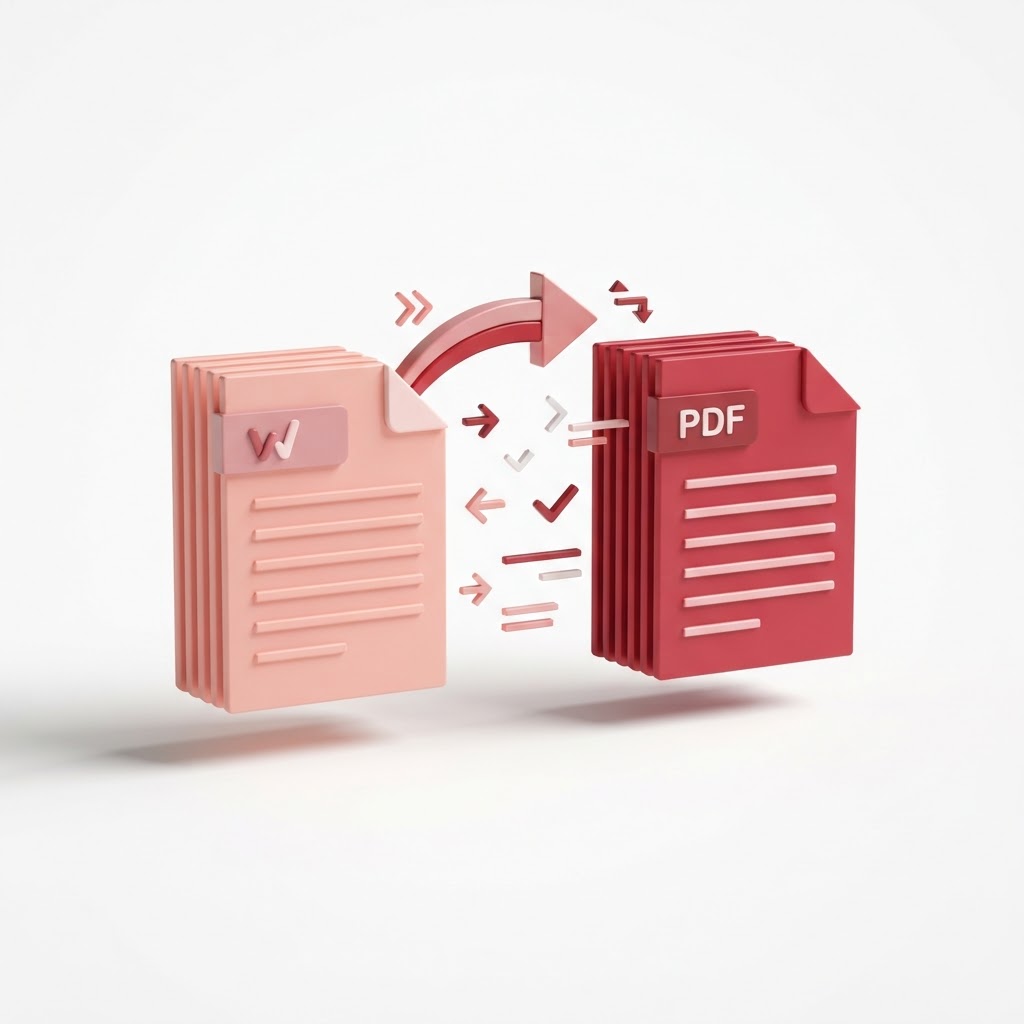
Convert Word to PDF Free — Keep Your Formatting Perfect
Need to share a document while ensuring it looks exactly the same on any device? Our simple tool allows you to convert word to pdf in seconds. At CrazyDocument, we understand that professional document management requires precision, security, and ease of use. Whether you are submitting a resume, a formal contract, or a project report, our free online converter ensures your layout remains intact.
Why Convert Word Documents to PDF?
Converting your files to the Portable Document Format (PDF) is the industry standard for sharing digital documents. When you use a standard word processor, fonts, margins, and images can shift depending on the software or operating system the recipient uses. By choosing to convert word to pdf, you lock your content, ensuring a professional appearance every time.
Benefits of Using CrazyDocument
- Perfect Formatting: We preserve your document layout, fonts, and images.
- Total Security: Your files are processed securely and deleted automatically after conversion.
- Fast Performance: Get your converted file ready in mere seconds.
- Cloud-Based: Access our tools from anywhere, on any device, without installing extra software.
How to Convert Word to PDF Step-by-Step
- Go to our Convert to PDF page.
- Click "Upload File" to select your .docx or .doc file from your computer or drag it directly into the box.
- Wait a moment while CrazyDocument processes your request.
- Click "Download" to save your new high-quality PDF.
Optimize Your Documents After Conversion
Once you have converted your document, you might need to perform further adjustments. CrazyDocument offers a full suite of tools to manage your files efficiently:
| Tool Name | Purpose | | :--- | :--- | | Merge PDF | Combine multiple files into one document | | Compress PDF | Reduce file size for easy email sharing | | PDF Editor | Add text, highlights, or annotations | | Protect PDF | Add a password to keep sensitive info safe |
Frequently Asked Questions
Is it safe to use CrazyDocument?
Yes. We prioritize your privacy. All files are encrypted during processing and permanently removed from our servers shortly after you download them.
Can I edit the PDF after converting?
Absolutely. After you convert your word to pdf, you can use our PDF Editor to make final adjustments or use our OCR tool if you need to extract text from a scan.
Do I need to pay for this service?
No, CrazyDocument offers free access to our essential PDF conversion tools.
Can I convert multiple files at once?
Yes, our system is designed to handle multiple file uploads efficiently to save you time.
Start Now
Don't let formatting issues ruin your professional documents. Head over to our Convert to PDF tool now and experience the fastest, most reliable conversion process available.