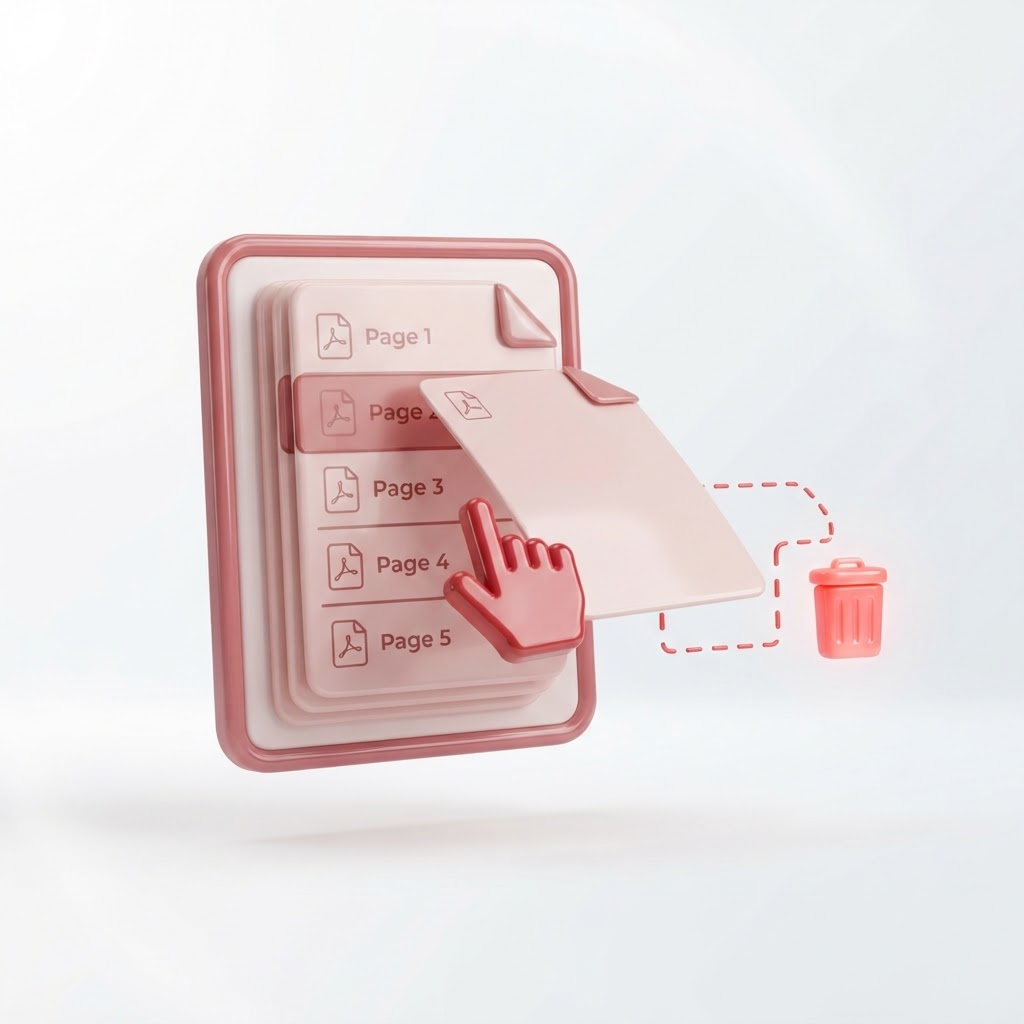
Delete Pages From a PDF Online (Free Page Remover)
Have you ever struggled with a PDF file that contains unnecessary pages? Whether it is an extra cover sheet, blank pages, or outdated information, you often need a simple way to delete pages from a PDF to keep your documents professional and organized. At CrazyDocument, we provide a lightning-fast, secure, and completely free online solution to help you manage your files without the need for complex software installations.
How to Delete Pages From a PDF Instantly
Removing unwanted pages from your document is a straightforward process with our intuitive platform. Follow these simple steps:
- Upload your file to our Delete PDF Pages tool.
- Review the preview of your document pages.
- Click the 'X' or delete icon on the specific pages you no longer need.
- Click 'Apply Changes' to process your file.
- Download your updated, clean PDF document.
Why Choose CrazyDocument for PDF Management?
Managing documents should be effortless. CrazyDocument is designed to be the go-to utility for all your document needs, offering a seamless user experience. Beyond deleting pages, you can enhance your workflow with our full suite of tools:
- Merge PDF files if you need to combine separate reports.
- Rotate PDF pages to correct orientation issues.
- Rearrange PDF pages for better document flow.
- Compress PDF to reduce file sizes for easy emailing.
Benefits of Using Our Online Tool
| Feature | Benefit | | :--- | :--- | | Speed | Process files in seconds | | Accessibility | Works on any device or browser | | Privacy | Files are automatically deleted from our servers | | No Cost | Entirely free to use with no hidden fees |
Frequently Asked Questions
Is it safe to upload my documents to CrazyDocument?
Yes. We prioritize your privacy by ensuring that all uploaded documents are processed securely and automatically removed from our servers after the task is completed.
Can I remove multiple pages at once?
Absolutely. Our tool allows you to select as many pages as you like for deletion before you finalize the process.
Do I need to install any software to delete pages?
No, CrazyDocument is a 100% web-based tool. You can perform all your edits directly in your browser without installing anything.
Can I perform other edits on the file?
Yes, if you need more advanced adjustments, you can use our PDF Editor or even utilize our AI Assistant to extract specific information or chat with your documents.
Streamline Your Document Workflow Today
Don't let bulky, cluttered files slow you down. Whether you are prepping a legal document, a student project, or a business report, keeping your PDFs precise is essential. If you need further modifications, you can also Convert PDF formats or Protect PDF files with encryption to ensure sensitive data remains secure.
Start Now
Ready to get started? Head over to our Split and Delete tool and clean up your PDF documents in just a few clicks!