The Problem with Most Free PDF Editors
You need to edit a PDF — add text, fix a typo, insert an image, or annotate a page. You search "free PDF editor" and find dozens of tools. But when you try them:
- Watermarks — They stamp a logo across your document and charge $15/month to remove it
- Limited features — You can add text but not images, or annotate but not edit
- Signup walls — You can't even try the tool without creating an account
- Software installs — "Free" means a 500MB download and a trial that expires
CrazyDocument's PDF editor is genuinely free, runs in your browser, and leaves no watermark.
What You Can Do with the Free PDF Editor
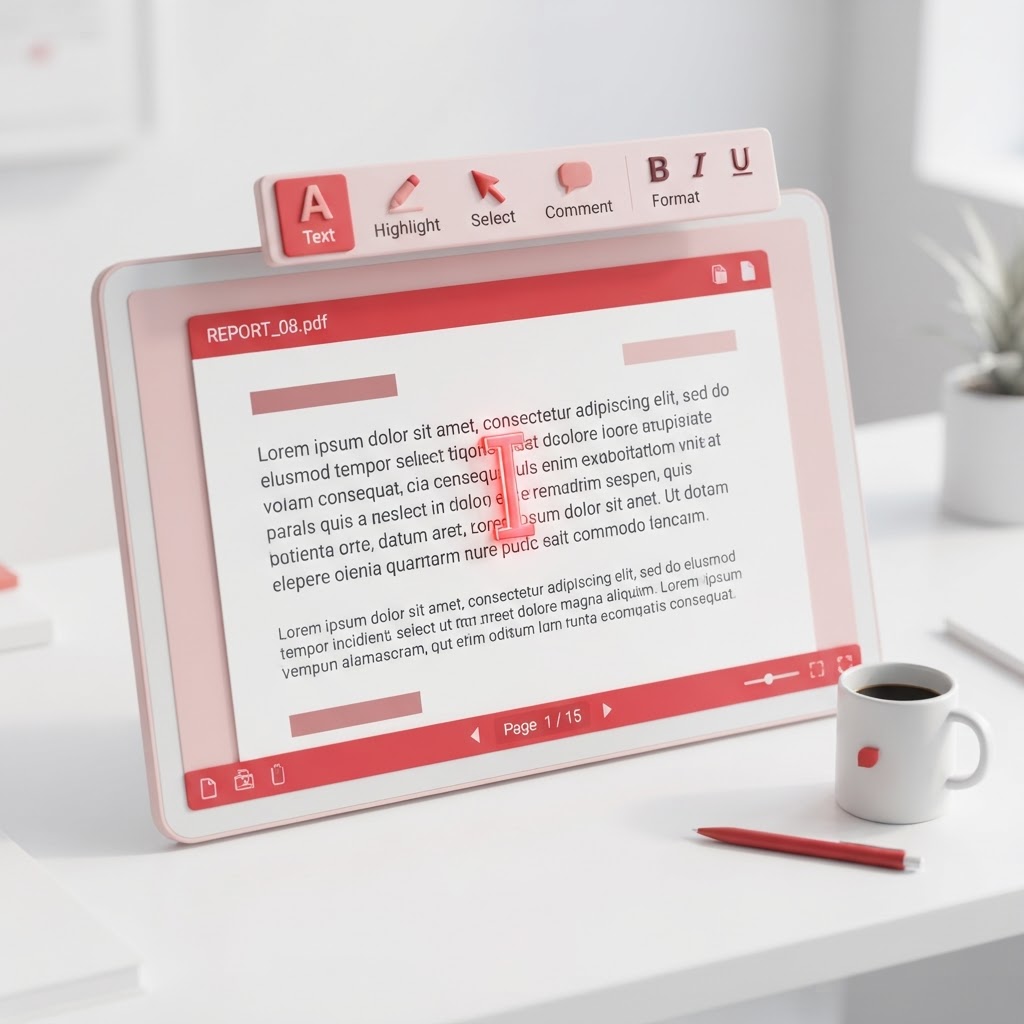
Edit Text
Add new text boxes anywhere on the page. Choose font, size, color, and alignment. Perfect for filling forms, adding notes, or correcting typos without re-creating the entire document.
Add Images
Insert images, logos, or signatures anywhere on the page. Resize, rotate, and position with drag-and-drop simplicity.
Annotate & Mark Up
Highlight text, draw shapes, add arrows, and leave comments. Ideal for reviewing documents, grading assignments, or marking up contracts.
Rearrange Pages
Drag pages to reorder them. Delete unwanted pages. Rotate pages that are sideways. All without re-exporting from the original application.
Add Headers & Footers
Insert page numbers, dates, titles, or custom text in the header and footer areas — across all pages or specific ones.
Add Watermarks (Your Own)
Add your own watermark — text or image — for branding or confidentiality. You control the opacity, position, and size.
How to Edit a PDF Online (Step by Step)
- Open the PDF Editor — Go to CrazyDocument's PDF Editor tool.
- Upload your PDF — Drag and drop or click to browse.
- Choose your tool — From the left panel, select Text, Image, Annotate, Shapes, or Page tools.
- Make your edits — Click on the page to add elements. Drag to reposition. Use the properties panel to adjust.
- Download — Save your edited PDF. No watermark, no signup.
Edit PDF Without Watermark — What That Really Means
When we say "no watermark," we mean it. Your edited PDF will have:
- No "Created with CrazyDocument" text
- No logo in the corner
- No hidden branding metadata
- No trial limitations
Your document looks exactly like you made it — because you did.
Edit PDF on Any Device
The editor runs entirely in your browser using modern web technology:
- Desktop — Full editing experience with keyboard shortcuts
- Tablet — Touch-optimized for iPad and Android tablets
- Mobile — Streamlined interface for on-the-go edits
No app store download. No software update. Just open the page and edit.
Edit PDF Privately
Your documents stay on your device. The editor processes everything client-side — your PDF is never uploaded to a server for processing. When you're done, download your file and close the tab. Nothing is stored.
Free PDF Editor vs. Paid Alternatives
| Feature | CrazyDocument Free | Adobe Acrobat Pro | pdfFiller | |---------|-------------------|-------------------|----------| | Edit text | Yes | Yes | Yes | | Add images | Yes | Yes | Yes | | Annotate | Yes | Yes | Yes | | Watermark-free | Yes | Yes | Yes | | Price | Free | $19.99/mo | $8–$15/mo | | Signup required | No | Yes | Yes | | Software install | No | Yes | No |
Start Editing Now
Ready to edit your PDF? Open the PDF Editor and start making changes in seconds — free, no watermark, no signup.
Related tools: Merge PDF · Add Watermark · Header & Footer