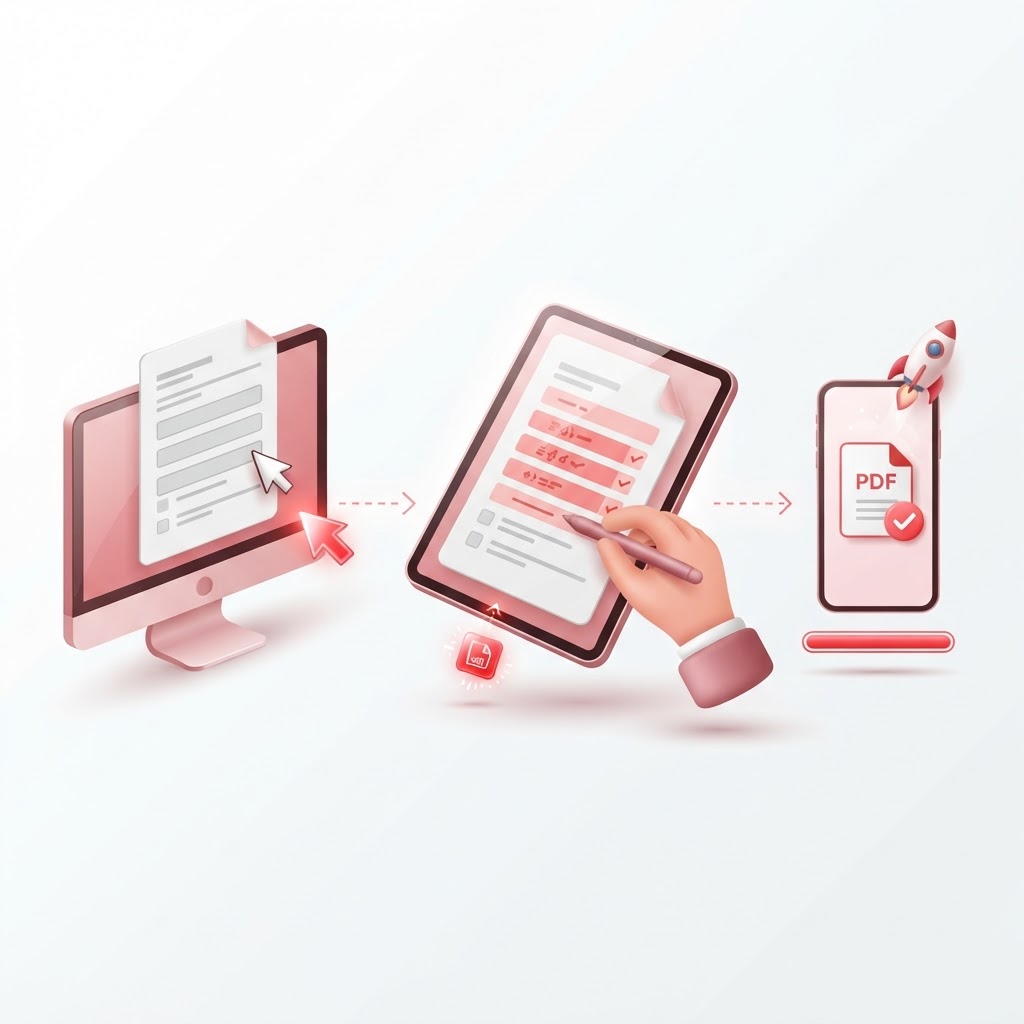
How to Fill Out a Form Online — The 2026 Step-by-Step Guide
In our increasingly digital world, knowing how to fill out a form online is a vital skill. Whether you are applying for a lease, signing a contract, or submitting a government application, paper forms are rapidly becoming a thing of the past. If you have ever wondered how to fill out a form online efficiently and securely, you have come to the right place. In this guide, we will walk you through the most effective methods to streamline your document workflows using CrazyDocument.
Why Switch to Digital Forms?
Transitioning to digital forms offers numerous advantages over traditional pen-and-paper methods:
- Efficiency: No need for printing, scanning, or mailing physical documents.
- Precision: Digital text is cleaner and more readable than handwriting.
- Speed: Send and receive completed documents in seconds.
- Eco-Friendly: Reduce your carbon footprint by going paperless.
How to Fill Out a Form Online with CrazyDocument
If you have a PDF that isn't inherently fillable, you don't need to struggle with complex software. With CrazyDocument, you can add text boxes, checkmarks, and signatures directly onto any document.
Step-by-Step Guide to Filling a Static PDF
- Upload Your Document: Visit the CrazyDocument Editor and drag your file into the window.
- Select the Text Tool: Click on the text icon to place text anywhere on your form.
- Type Your Information: Fill in the necessary fields, such as names, dates, and addresses.
- Add Your Signature: Use the Sign PDF feature to create or upload your legal e-signature.
- Download: Save the final version to your device.
Can I Turn a Non-Fillable Form into a Fillable One?
Yes! If you find yourself repeatedly filling out the same form, you can use our Create Fillable PDF Forms tool. This allows you to add interactive fields that can be typed into later, saving you time and ensuring consistency.
Handling Scanned Documents
Sometimes, the form you receive is just a photo or a flat scan. In these cases, text cannot be easily selected or edited. Use our OCR (Optical Character Recognition) tool to transform scanned pages into searchable, editable text before you start typing.
| Feature | Benefit | | :--- | :--- | | PDF Editor | Edit text and add fields directly | | Sign PDF | Add secure, legal signatures | | OCR | Make scanned documents editable | | Forms Library | Access 2500+ ready-made templates |
Frequently Asked Questions
Is it safe to fill out forms online?
Yes, when you use a secure platform like CrazyDocument, your files are encrypted and processed with the highest privacy standards.
Can I use these tools on my mobile phone?
Absolutely. CrazyDocument is fully responsive, and you can even use our Smart Scanner to capture physical forms directly from your device.
How do I send a document for someone else to fill out?
Use our Request E-Signature feature to send a document to others and track the signing progress in real-time.
Are the signatures legally binding?
Yes, electronic signatures created via our platform are generally legally binding for most commercial and personal contracts.
Start Now
Ready to get started? Stop wasting time with paper and ink. Head over to our PDF Editor to fill out your form today, or explore our massive collection of Free Forms to find the template you need. Join the digital revolution with CrazyDocument!