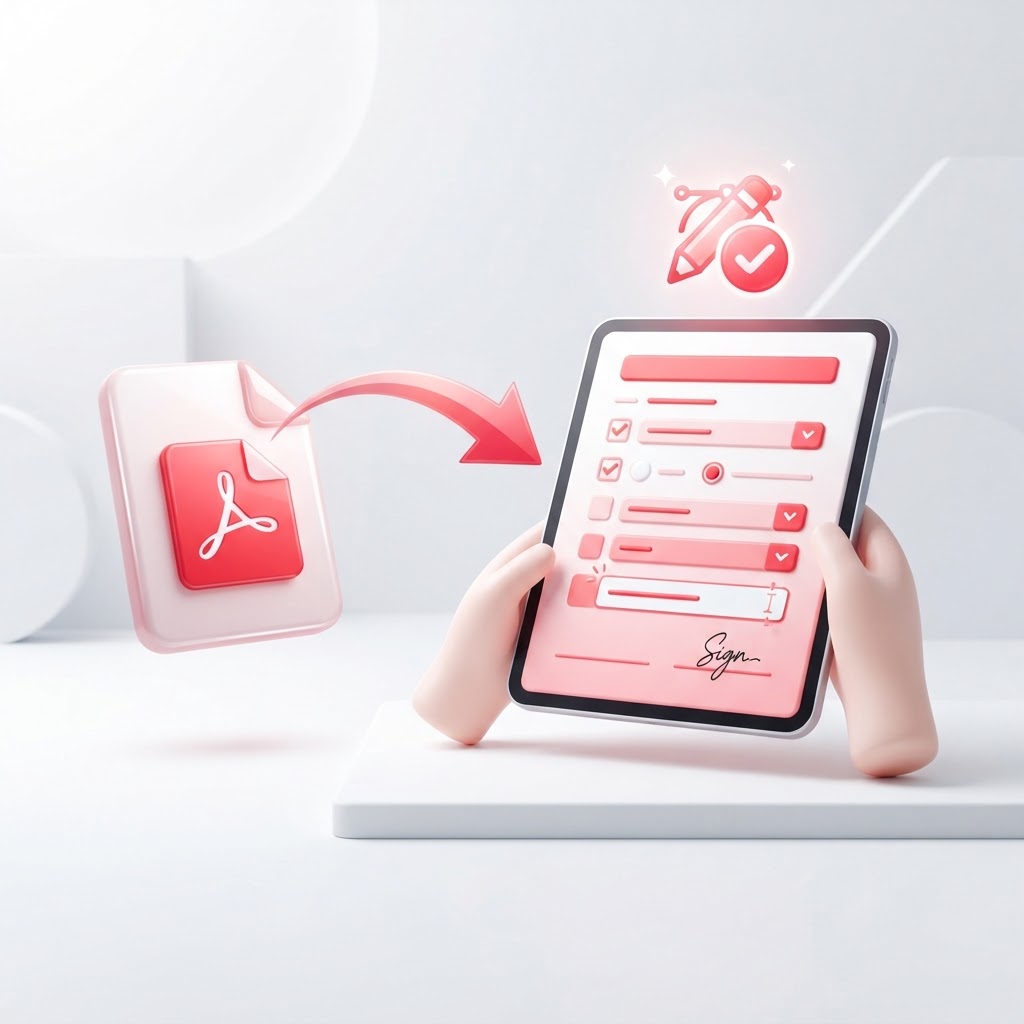
Create a Fillable PDF Online — Turn Any Doc Into a Form
Are you tired of printing forms, filling them out by hand, and scanning them back to your computer? Creating a fillable PDF is the modern solution to streamlined document management. With CrazyDocument, you can effortlessly transform static documents into interactive, professional forms that anyone can complete digitally.
Why Use a Fillable PDF Form?
Digital forms save time, reduce human error, and keep your records organized. Whether you are managing internal HR documents or gathering client information, a fillable PDF ensures data is collected accurately and legibly every time.
Benefits of Going Digital
- Efficiency: No more manual transcription of handwritten data.
- Professionalism: Clean, standardized forms look better and improve trust.
- Accuracy: Use required fields to ensure users don't miss important details.
- Accessibility: Users can fill out forms from any device, anywhere.
How to Create a Fillable PDF in 3 Easy Steps
Converting a document is straightforward with CrazyDocument's dedicated tools. Follow these steps to get started:
- Upload Your File: Visit our /tools/fillable page and upload your existing document.
- Add Your Fields: Drag and drop text fields, checkboxes, and radio buttons onto your document layout.
- Save and Share: Once your form is ready, save the file and share the link with your team or clients for instant completion.
Frequently Asked Questions
Can I make any PDF fillable?
Yes, our tool allows you to take static documents—including scanned files—and add interactive layers on top of them.
Do I need special software to open the file?
No. Once you create your form, it will be compatible with all standard PDF readers, making it accessible for everyone.
Can I add security to my forms?
Absolutely. Once your form is finalized, you can use our /tools/protect tool to password-protect the document and keep sensitive data secure.
Manage Your Documents with Ease
Beyond creating forms, CrazyDocument offers a full suite of professional tools to help you manage your workflow:
| Tool | Function | | :--- | :--- | | /tools/merge | Combine multiple PDFs into one file | | /tools/sign | Add a digital signature to your forms | | /tools/editor | Make quick text edits to any PDF | | /tools/compress | Reduce file sizes for easy emailing |
Need to extract data from a paper form you just scanned? Use our /tools/ocr feature to turn scanned images into searchable, editable text before converting them into a fillable PDF.
Start Now
Ready to eliminate paperwork and boost your productivity? Head over to our /tools/fillable page and turn your static documents into functional, digital forms in seconds.