Why Sign PDFs Online?
Electronic signatures are now legally valid in most countries — the US (ESIGN Act), EU (eIDAS), UK, and dozens of others recognize e-signatures as binding. That means you can sign contracts, agreements, and forms entirely online without printing, signing by hand, and scanning back.
The problem? Most e-signature tools charge $10–$30/month and lock basic features behind paywalls. If you just need to sign a single document, that's overkill.
CrazyDocument lets you sign PDFs online for free — and send them to others for signature too.
Three Ways to Sign a PDF
1. Draw Your Signature
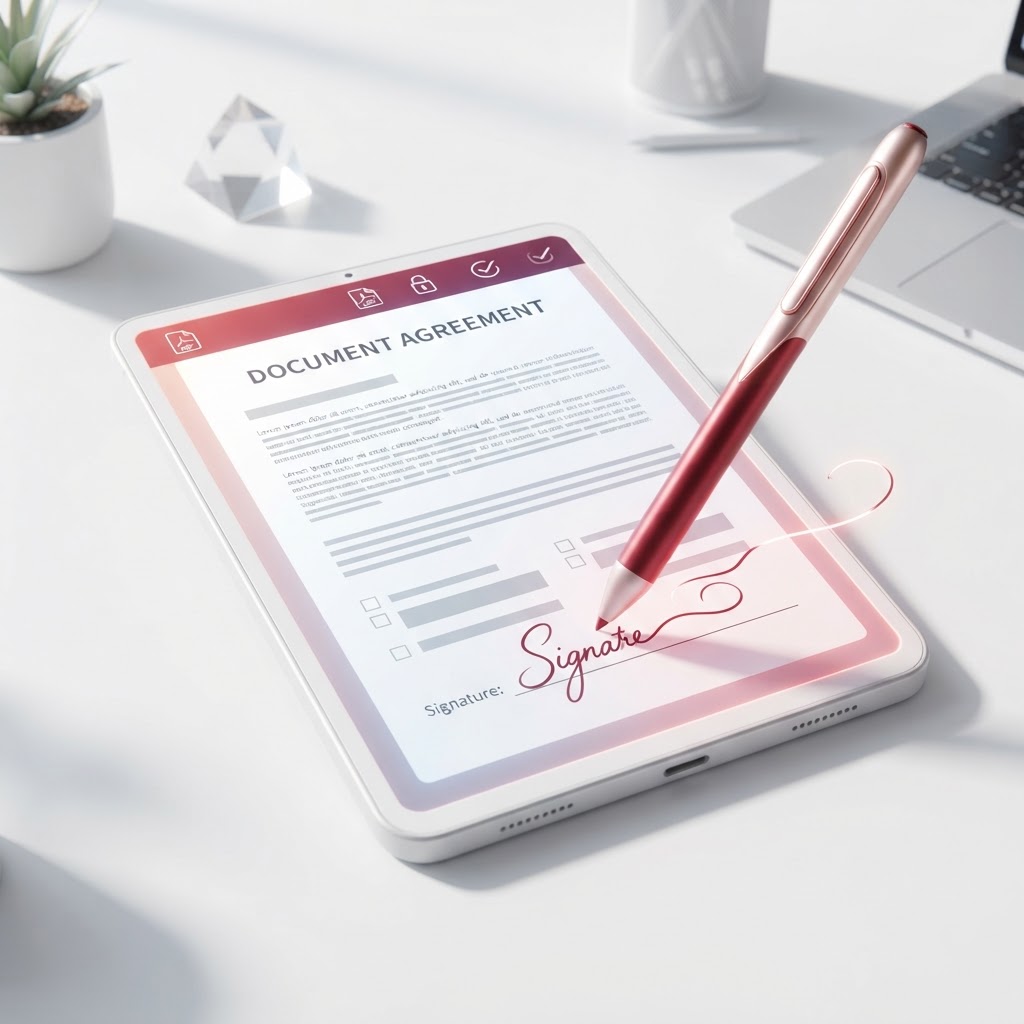
Use your mouse, trackpad, or touchscreen to draw your signature directly on the screen. This creates a natural, hand-drawn signature that looks just like a pen signature.
2. Type Your Signature
Choose from multiple handwriting-style fonts and type your name. The result looks like a real signature, not computer text. Great for a clean, professional look.
3. Upload a Signature Image
If you already have a scanned image of your signature, upload it and place it anywhere on the document. Perfect if you want to use your actual pen signature.
How to Sign a PDF Online (Step by Step)
- Open the Sign PDF tool — Go to CrazyDocument's Sign PDF tool.
- Upload your PDF — Drag and drop the document you need to sign.
- Create your signature — Choose Draw, Type, or Upload. Your signature is saved for future use.
- Place your signature — Click anywhere on the document to place it. Drag to reposition, resize, or rotate.
- Download — Save your signed PDF. No watermark, no signup.
Send a PDF for Signature (Request Signature)
Need someone else to sign a document? Instead of emailing the PDF back and forth:
- Open Request Signature — Go to Request Signature.
- Upload your PDF and add the signer's email address.
- Add a message — Optional personal note for the signer.
- Send — The signer receives an email with a secure link to sign the document.
- Track — You get a notification when the document is signed, and can download the signed copy.
The signer doesn't need a CrazyDocument account — they just click the link, sign, and submit. You're notified instantly.
Are Electronic Signatures Legal?
Yes. Electronic signatures are legally binding in:
- United States — ESIGN Act (2000) and UETA (1999)
- European Union — eIDAS Regulation (2014)
- United Kingdom — Electronic Communications Act (2000)
- Canada — PIPEDA
- Australia — Electronic Transactions Act
- And 60+ other countries
For most everyday documents — contracts, agreements, forms, approvals — an electronic signature is just as valid as a wet-ink signature.
Sign PDF on Any Device
The signing tool works in any modern browser:
- Desktop — Draw with mouse or trackpad
- Tablet — Draw with stylus or finger (best experience for natural signatures)
- Mobile — Draw with finger, type, or upload
Sign PDF Privately
Your documents and signatures are processed in your browser. When you send a document for signature, the signer accesses it through a secure, token-protected link — only the intended recipient can view and sign.
Start Signing Now
Ready to sign? Open the Sign PDF tool to sign a document yourself, or Request Signature to send one to someone else — free, no watermark, no signup.
Related tools: Request Signature · Protect PDF · Fillable Forms