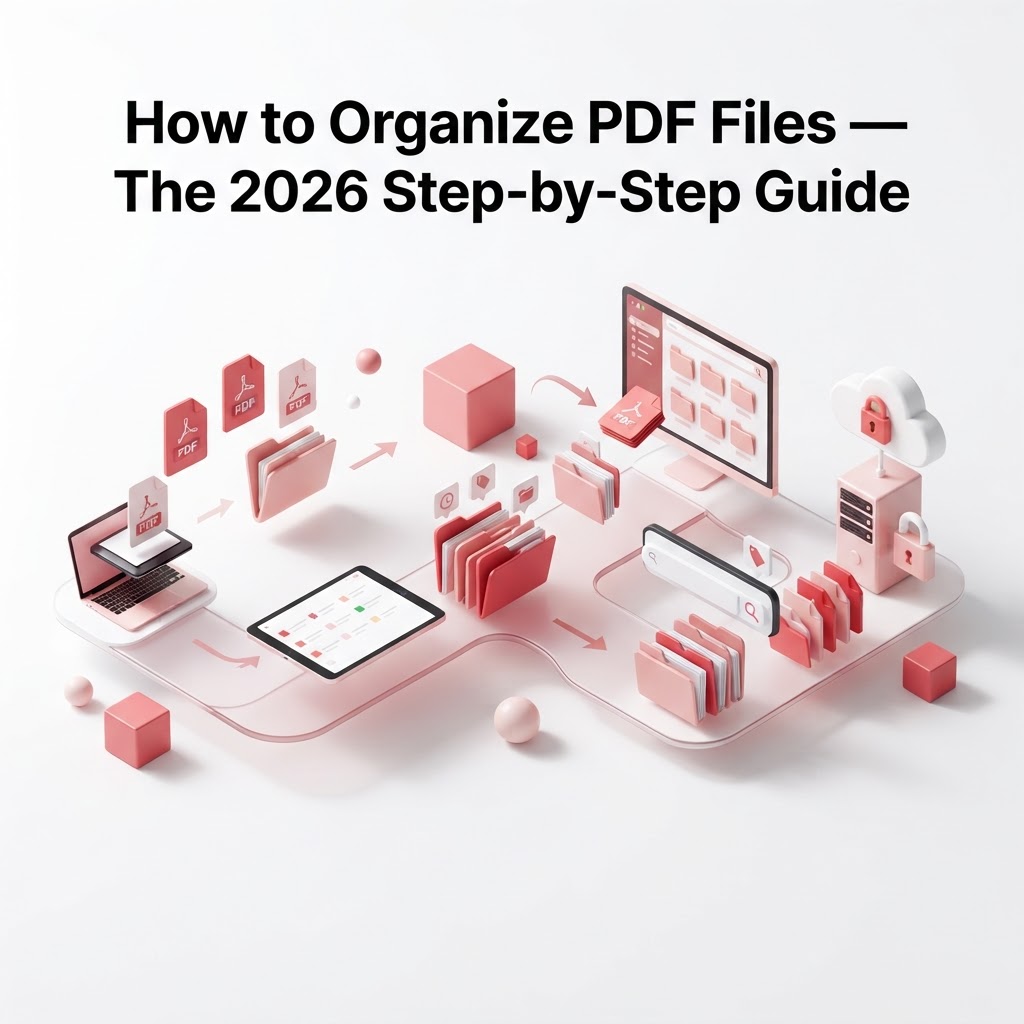
How to Organize PDF Files — The 2026 Step-by-Step Guide
In our increasingly digital world, managing your digital paperwork efficiently has become a necessity. If you are struggling with a cluttered desktop and wondering how to organize PDF files, you are not alone. Digital disorganization can lead to lost time, missed deadlines, and unnecessary stress. Fortunately, getting your files in order is easier than you think with the right approach and tools.
Why Organization Matters
A messy folder system often leads to significant productivity losses. When you need to retrieve a document for a meeting or a tax filing, being able to locate it instantly is vital. Proper PDF management saves time and creates a seamless workflow.
Step-by-Step Strategy for PDF Management
1. Establish a Consistent Naming Convention
Before moving files, create a standardized naming format. A good structure includes the date (YYYY-MM-DD), the document type, and the entity name.
2. Consolidate Your Documents
Often, we have multiple scattered pages that should be one file. Use Merge PDF files to combine receipts, reports, or contracts into single, cohesive documents.
3. Trim the Fat with Splitting
Large documents can be cumbersome. If you only need a few pages from a 100-page report, use Split PDF to isolate the relevant chapters.
4. Reorder for Clarity
Sometimes documents are scanned in the wrong order. With Rearrange PDF pages, you can drag and drop pages into the perfect sequence.
How to Clean Up Your Digital Workflow
Beyond basic organization, your PDFs should be optimized. Here is a breakdown of how to improve your file health:
| Tool | Primary Benefit | | :--- | :--- | | Compress PDF | Reduces file size for email sharing | | Rotate PDF | Ensures all pages are readable | | Add page numbers | Makes long documents professional |
Digitizing Physical Clutter
If your desk is covered in paper, use the Smart Scanner to convert physical sheets directly into searchable, organized PDFs. Once scanned, utilize OCR to make your images editable and searchable.
Frequently Asked Questions
Can I organize PDFs without downloading software?
Yes. CrazyDocument is a cloud-based platform that allows you to organize, edit, and convert documents directly in your browser.
How do I combine PDFs from different sources?
Simply upload all the files to the Merge PDF files tool, arrange them in the order you prefer, and export your combined document.
Is it safe to organize sensitive documents online?
CrazyDocument prioritizes your privacy with advanced encryption and automatic file deletion, ensuring your data remains yours.
Start Now
Stop wasting time hunting for lost files. Take control of your digital workspace today by using the full suite of CrazyDocument tools. Whether you need to merge, split, or compress, we have everything you need to stay organized.