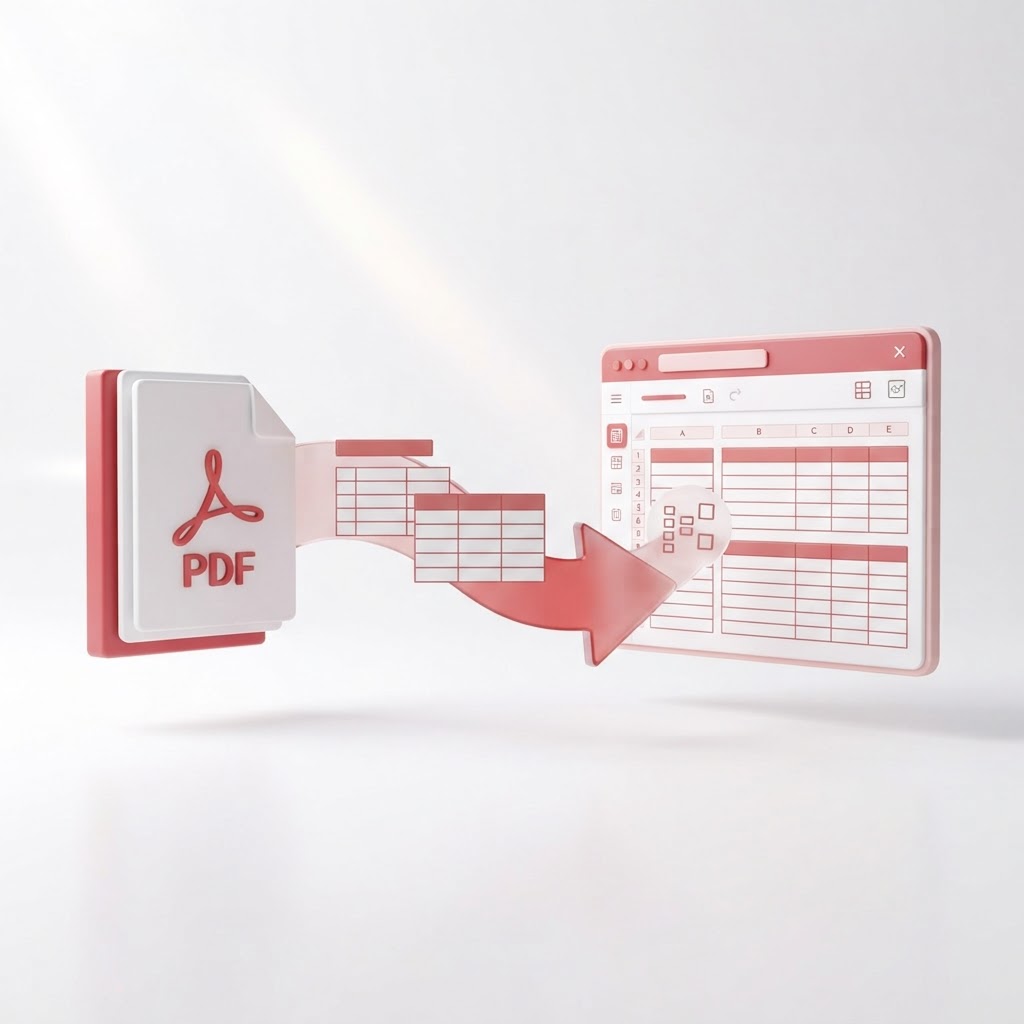
Convert PDF to Excel Free — Extract Tables Without Retyping
Are you tired of manually typing data from static documents into spreadsheets? If you need to pdf to excel conversion quickly and accurately, you have come to the right place. At CrazyDocument, we provide a streamlined, high-quality solution to transform your complex PDF tables into editable Excel files in seconds.
Why Convert PDF to Excel?
PDF files are designed to preserve document formatting, making them excellent for sharing, but terrible for data manipulation. When you have financial statements, inventory lists, or research data trapped in a PDF, you cannot perform calculations or analyze trends effectively. Converting your documents to Excel allows you to:
- Save Time: Eliminate the risk of human error by avoiding manual data entry.
- Increase Productivity: Spend your time analyzing data rather than typing it.
- Maintain Accuracy: Keep your figures precise with our advanced parsing technology.
How to Convert PDF to Excel Using CrazyDocument
Our tool is designed for simplicity. Follow these steps to get your data into a spreadsheet:
- Navigate to our Convert PDF to Excel page.
- Upload your file by dragging and dropping it into the designated area.
- Wait for the engine to analyze the document structure.
- Download your new, clean Excel file.
If your file is a scanned document, you may need to use our OCR tool first to ensure the text is recognizable before performing the conversion.
Frequently Asked Questions
Is it safe to upload sensitive documents?
Yes. CrazyDocument prioritizes your privacy. All files are automatically deleted from our servers shortly after processing, ensuring your data remains secure.
Can I convert multiple files at once?
Currently, our converter focuses on high-precision single-file processing to ensure table structures remain intact. If you need to manage multiple PDFs first, feel free to use our Merge PDF tool.
Is this service really free?
Absolutely. CrazyDocument offers free access to our core conversion tools. We believe that professional document management should be accessible to everyone.
Beyond Conversions: Optimize Your Workflow
Once you have your data in Excel, you might need to handle other document tasks. CrazyDocument offers a full suite of tools to help you manage your files efficiently:
| Task | Recommended Tool | | :--- | :--- | | Organizing pages | Rearrange PDF | | Reducing file size | Compress PDF | | Enhancing security | Protect PDF | | Adding signatures | Sign PDF |
Whether you need to edit your document before converting it with our PDF Editor or you want to generate new documents with our Resume Builder, we have you covered.
Start Now
Ready to stop wasting time on manual entry? Experience the fastest and most reliable way to turn your static tables into dynamic spreadsheets. Head over to our Convert PDF to Excel tool and get started today!