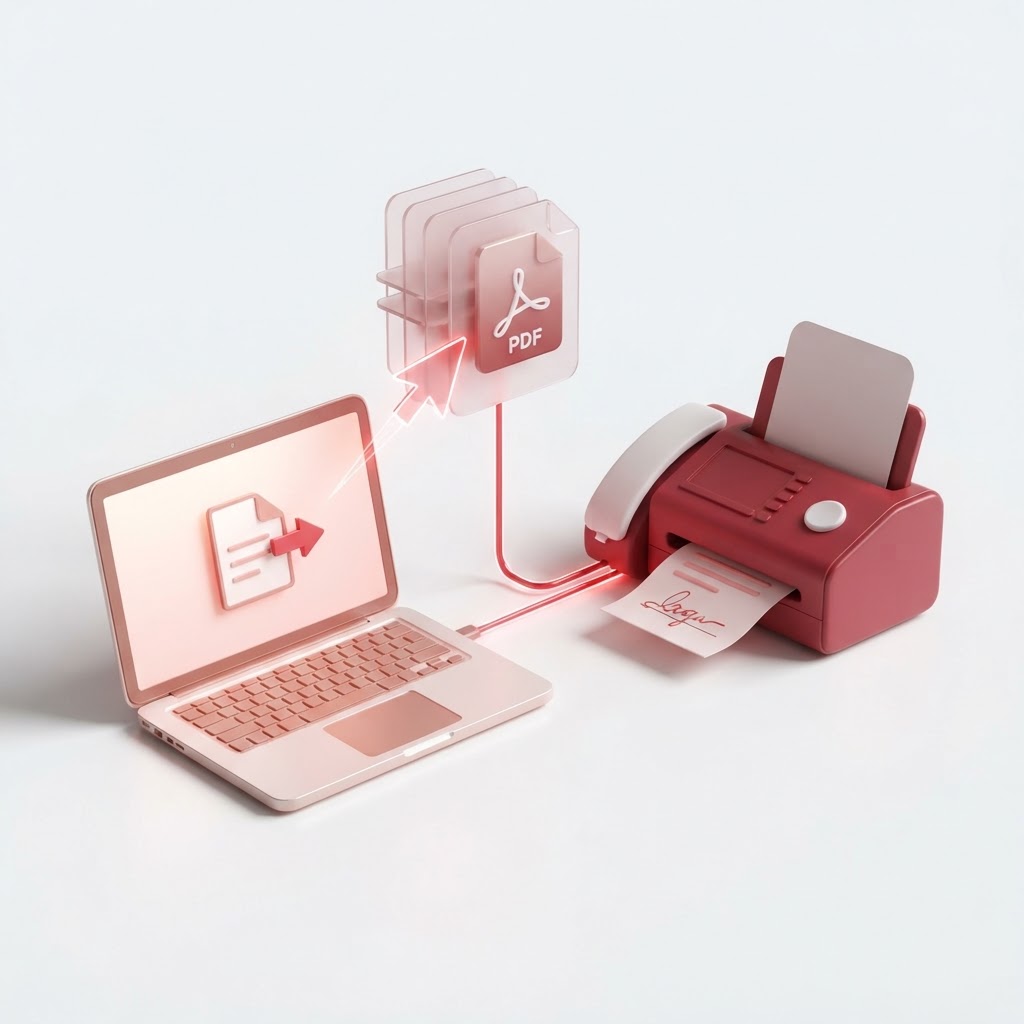
How to Fax a PDF — The 2026 Step-by-Step Guide
In our modern digital landscape, the fax machine might seem like a relic, yet it remains a standard requirement in legal, healthcare, and government sectors. If you have ever wondered how to fax a PDF without owning a physical fax machine, you are not alone. The process has evolved, becoming far more efficient and paperless. By utilizing modern online tools, you can send documents directly from your device.
Why Send a PDF via Fax in 2026?
Despite the rise of email and encrypted portals, many organizations still insist on fax transmission for its perceived security and legal traceability. When you learn how to fax a PDF effectively, you ensure your sensitive documents reach their destination in the specific format required by formal business standards.
Preparing Your Document with CrazyDocument
Before you send your file, you must ensure it is in the correct format. Often, documents are too large, out of order, or require a signature. CrazyDocument provides the full suite of utilities to prepare your files for transmission.
1. Optimize Your File Size
If your PDF is too large, it may cause transmission errors. Use our Compress PDF tool to ensure it passes through digital fax gateways smoothly.
2. Organize Your Pages
Ensure your document is professional. You can Rearrange PDF pages or Rotate PDF files if they were scanned incorrectly.
3. Add Necessary Legal Details
Does your fax require a formal touch? Use Add headers and footers or Add page numbers to maintain document integrity. If you need to include a cover page, you can create one and Merge PDF it with your primary document.
4. Secure and Sign
If your PDF requires a signature, use Sign PDF before sending. If the document contains sensitive information, consider using Protect PDF to encrypt it before uploading it to a third-party service.
How to Fax a PDF: Step-by-Step
Follow these steps to send your file seamlessly:
| Step | Action | | :--- | :--- | | 1 | Prepare your document using CrazyDocument tools | | 2 | Choose a reliable online fax service provider | | 3 | Enter the recipient's fax number | | 4 | Upload your PDF file | | 5 | Confirm and send |
Frequently Asked Questions
Q: Can I send a fax from my smartphone? Yes. You can use our Smart Scanner to turn physical paper into a PDF, then upload that file to an online fax service from your mobile browser.
Q: Is it safe to fax a PDF online? Yes, most professional online fax providers use encryption standards similar to those used by banks.
Q: Do I need a phone line to fax a PDF? No. Online faxing uses internet protocols (VoIP/HTTPS), meaning your internet connection replaces the physical phone line.
Start Now
Don't let outdated hardware slow down your workflow. Prepare your documents today with CrazyDocument to ensure they are professional, correctly ordered, and ready for transmission.