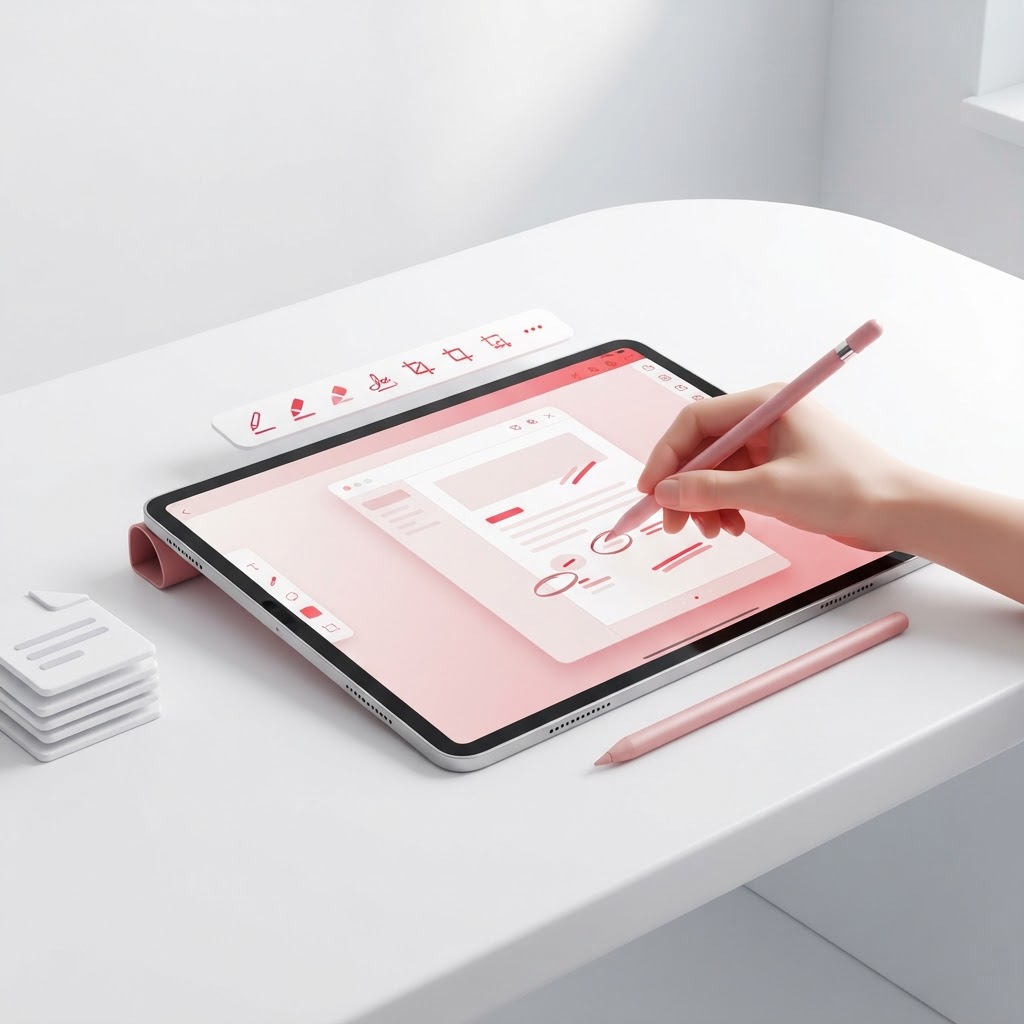
Best PDF Apps for iPad in 2026 — Edit, Sign & Annotate
Finding the best PDF app for iPad can transform your tablet into a powerhouse of productivity. Whether you are a student, a professional, or someone who handles paperwork on the go, your iPad needs tools that are fast, intuitive, and secure. While many apps offer complex interfaces, the ideal solution should be web-based, removing the need for heavy installations.
Why Use a Browser-Based PDF Tool on iPad?
Using a browser-based platform like CrazyDocument is often superior to downloading standalone apps. By using your iPad’s Safari or Chrome browser, you save valuable storage space and ensure your software is always up to date. You can access powerful features instantly without bloated file sizes.
Top Essential PDF Tasks for iPad Users
When managing documents, you need a workflow that covers all bases. Here are the core functionalities you should look for:
Editing and Organization
Sometimes you need to adjust your document structure. Use Merge PDF files or Split PDF tools to keep your records tidy. If you realize your pages are out of order, you can Rearrange PDF pages in seconds. For documents that are too large to email, our Compress PDF feature is an essential companion.
Annotation and Security
Do you need to add your mark? Our Sign PDF tool makes electronic signing simple. If you are dealing with sensitive data, ensure you Protect PDF files with robust encryption to maintain privacy.
| Feature | Benefit | | :--- | :--- | | PDF Editor | Edit text and images easily | | Rotate PDF | Fix document orientation | | Add page numbers | Professional formatting |
How to Edit PDFs on Your iPad
- Open your browser and navigate to the PDF Editor.
- Upload your file from your iCloud Drive or local storage.
- Use the annotation tools to highlight, add text, or insert shapes.
- Save your changes and download the document directly back to your Files app.
Frequently Asked Questions
Is it free to use these PDF tools on iPad?
Yes, CrazyDocument offers a comprehensive suite of tools that are accessible for free, making it the best PDF app for iPad users who value efficiency.
Can I convert files to PDF on my tablet?
Absolutely. You can Convert to PDF from any document type or image format quickly.
Is my data safe?
We prioritize your security. All uploads are processed securely, and files are automatically removed from our servers after processing.
Can I use OCR on my iPad?
Yes, use our OCR tool to extract text from images or scanned documents directly in your browser.
Start Now
Stop juggling multiple apps. Streamline your entire document workflow today by visiting our AI Assistant or exploring our full toolkit. Experience the freedom of a truly mobile-optimized document solution.